Booking Requests screen reference
Every element of the Booking Requests queue — request cards, statuses, the convert selector, and the decline dialog.
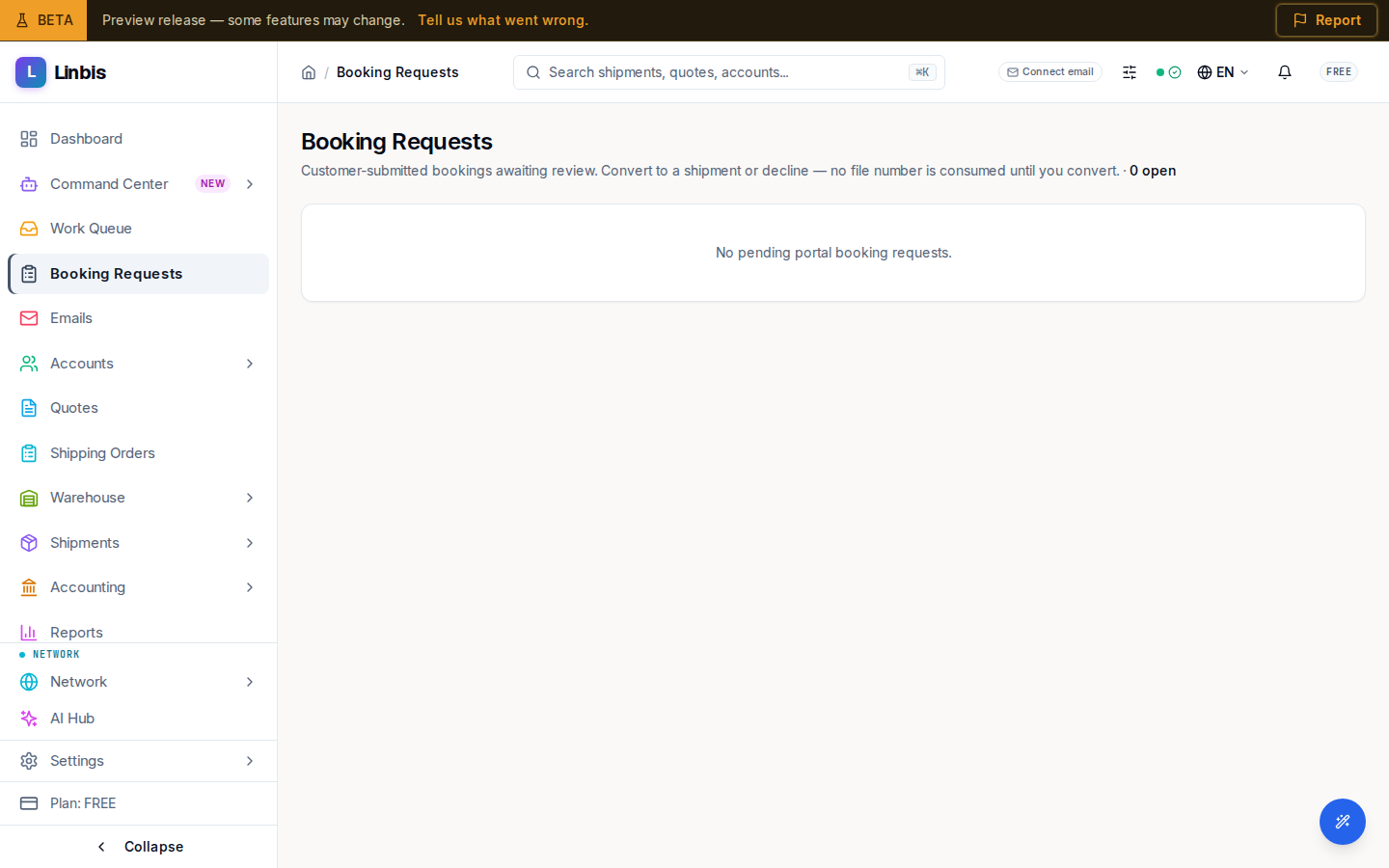
Booking Requests is the review queue for bookings your customers submit from the customer portal. The header says it plainly: "Customer-submitted bookings awaiting review. Convert to a shipment or decline — no file number is consumed until you convert." A live count of open requests sits right after it, and an amber warning appears when converted houses are still waiting for a master: "unconsolidated house(s) (not yet assigned to a master)".
A booking request is a shipping order born in the portal — customers create them via Request a shipment (manually or by dropping a document the AI extracts). No shipment number exists until you convert.
Request cards
Each request is a card showing:
- The order number, with a status badge: OPEN, READY, CONVERTING, CONVERTED, or CANCELLED. CONVERTED and CANCELLED are terminal — their cards lose the action buttons.
- A New badge on never-viewed open requests, and Updated when the customer changed it since you last looked.
- The mode and operation line (for example "OCEAN · IMPORT").
- The price line — Price pending when the customer submitted without a rate basis.
Actions
- Convert — with the type selector next to it: Direct, House, or Master (default Direct). Conversion runs immediately (no confirmation dialog) and toasts "Converted to shipment" with the new file number.
- Decline — opens the "Decline booking request" dialog for that order, with the note "The customer will see this reason. No shipment number is consumed.", a required Reason field, and the Decline booking button.
What the customer sees
The portal maps the raw statuses to friendlier labels: Pending review (OPEN), Reviewed — awaiting setup (READY), Being set up (CONVERTING), Converted to shipment (CONVERTED), Partially converted, and Declined (CANCELLED) — in Spanish for Spanish-language portal users. Declined requests show your reason.
Empty state
"No pending portal booking requests." — new requests appear as soon as a portal customer submits one.