Command Center overview
The Command Center landing tab — the AI Agent Workforce grid, the live connection indicator, and the four embedded panels.
Command Center → Overview is the landing tab of the AI agent cockpit (the header carries an AAAS badge). Its subtitle sums the module up: "Monitor AI agent activity · Review approvals · Track results".
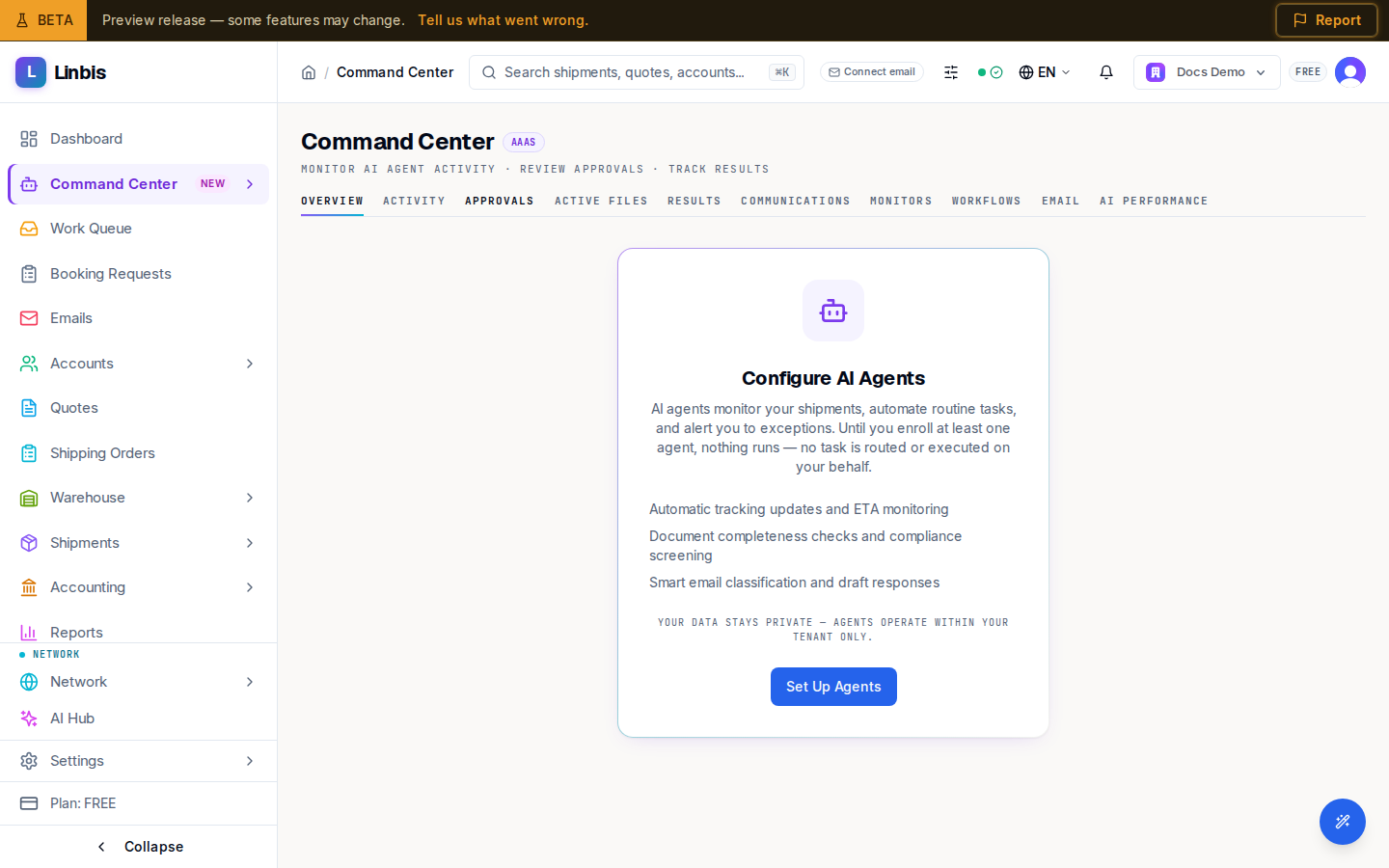
Before agents are enrolled
Until you enroll at least one agent, the page shows Configure AI Agents ("Until you enroll at least one agent, nothing runs") with a Set Up Agents button that opens the agent settings.
With agents enabled
- AI Agent Workforce — one tile per agent: Operations, Visibility, Billing,
Documentation, Compliance, Carrier Relations, Commercial, Customer Service,
Warehouse, Dispatch, Classification, Communications, Leg Planner,
Analytics, Collections. Each tile shows a status (Active, Idle, Working,
Disabled, Not deployed) and the counters Tasks, Accuracy, Trust (the
autonomy level, e.g.
L0), Pending, and Cost. - A live connection dot — Live, Connecting, Reconnecting, or Offline — plus a dismissible banner if processing is degraded.
- Four embedded panels that mirror the other tabs, each with a View all link: AI Agent Activity (Activity), Action Queue (Approvals), Results Dashboard (Results), and Communications Log (Communications).
The page's own tab bar adds Active Files, Monitors, Workflows, Email, and AI Performance beyond the five sidebar tabs.
AI Agents
Command Center → AI Agents lists every agent the platform offers as a card — its pilot status, the responsibilities it holds right now, what needs your approval, what is blocked or waiting on an outside party, and the outcomes verified in the last 7 or 30 days. Opening a card shows the agent's detail page:
- What it can do now — each capability with its control (automatic and reversible, reads only, or every message is a draft you send) and whether it still needs setup.
- Coming next — capabilities that are not available on the platform yet. The Employee delegation playbooks ship execution-disabled and show Awaiting platform release.
- Supervision policy — the autonomy level per category. At the default L0 every outbound message is a draft you send, and automatic writes are limited to reversible renders and milestones.
- Company configuration — agent enrolment, email connection, carrier credentials and the AI provider.
Activating agents for the workspace requires the Owner or Admin role; other members see the current state and a refusal if they try.