Apply a suggested rate to a quote
Let the rate engine price your quote — pick a carrier rate from the Best Rates tab and apply it in two clicks.
Once your rate cards are loaded (manually, from contracts, or AI-extracted uploads), pricing a quote stops being a spreadsheet hunt: the quote's Best Rates tab suggests matching carrier rates for the lane, and Apply copies the winner into the quote.
Before you start
- The quote needs its Origin, Destination, and mode set — that is what the rate matching runs on.
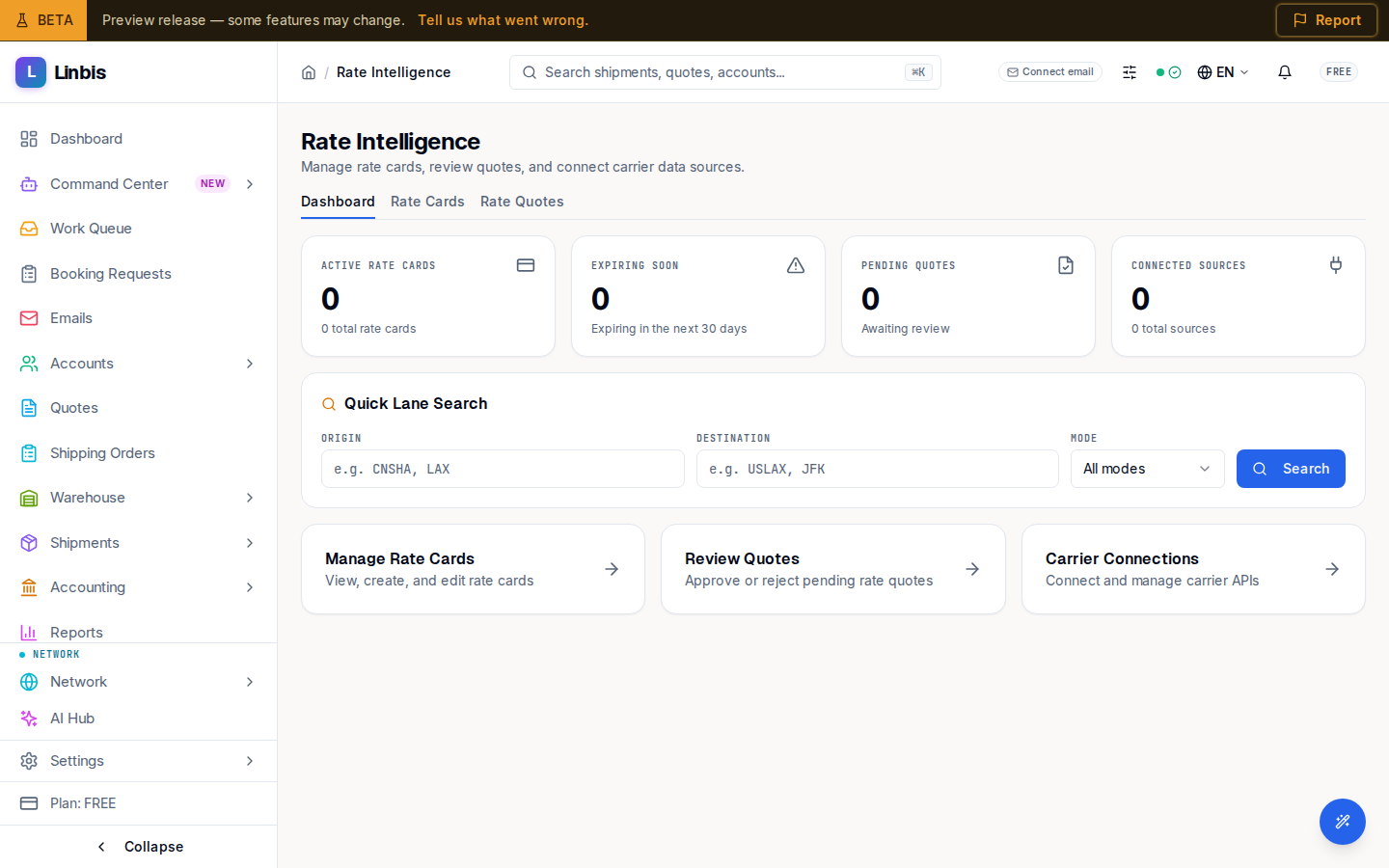
- At least one valid rate card must cover the lane (check Rate Intelligence → Rate Cards).
Steps
- Open the quote and select the Best Rates tab ("Best Rates · AI Suggestions").
- Review the Rate Suggestions list: each row shows the carrier, a source pill (Contract, Extension, API, Email), the cost with currency, and transit days. The cheapest option carries a Best pill.
- Select Apply on the rate you want.
- Confirm in the dialog — Apply this rate? → Apply Rate.
Result
The rate lands on the quote's charges, ready to margin up and send to the customer. If nothing matches you'll see "No rates found for this route. Try adjusting your search criteria." — widen the lane or add a rate card.
Compare every carrier rate in one click
Pull every connected rate for a lane — contracts, carrier APIs, the browser extension, and rates auto-parsed from email — into one ranked view, cheapest flagged. Quoting that took days now takes a click.
Tips
- Without a customer on the quote, suggestions show the Base Rates badge — customer-specific pricing needs the customer set first.
- Feed the engine: Rate Intelligence → Rate Quotes → Upload Document turns carrier rate sheets into rate cards after a confidence review (Auto-promote selected for the high-confidence ones).