Warehouse
Warehouse overview
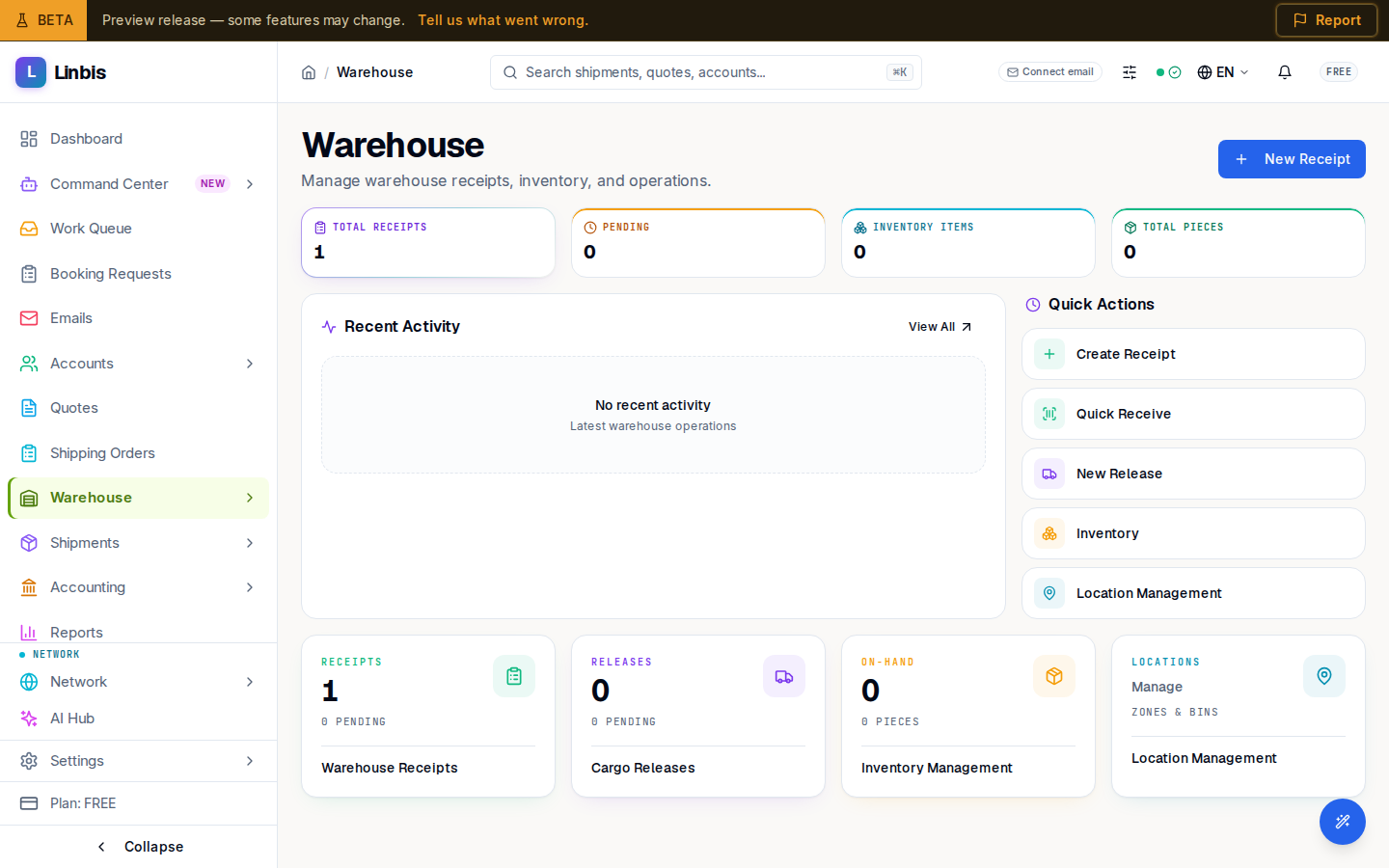
The Warehouse landing page — status tiles, the recent activity feed, and quick actions into receipts, releases, inventory, and locations.
Warehouse → Overview is the landing page of the Warehouse module — one glance at what is in the building and what needs attention, with shortcuts into every warehouse screen.
What the page shows
- Four stat tiles across the top: Total Receipts, Pending, Inventory Items, and Total Pieces. Together they answer "how much cargo do I have, and how much is still inbound?".
- A Recent Activity feed with the latest warehouse operations — receipts created or received, releases moving through their statuses.
- Quick Actions for the everyday moves: Create Receipt, Quick Receive, New Release, Inventory, and Location Management.
- Module cards linking to Warehouse Receipts, Cargo Releases, Inventory Management, and Location Management.
Where to go from here
| I want to... | Go to |
|---|---|
| Record incoming cargo | Receipts — or the receive cargo how-to |
| Hand cargo out | Releases — or the release cargo how-to |
| See what is on hand | Inventory |
| Organize zones and bins | Locations |
| Work dock-side with a scanner | Scan |
The tiles update as receipts are marked Received (cargo enters inventory) and releases reach Released (cargo leaves it) — the same lifecycle described in the Warehouse screen reference.