Convert shipping orders into house shipments — single and bulk
Turn a customer shipping order into a master shipment, then create its house shipments in one grouped operation.
Shipping orders capture what your customers want moved. Converting turns them into operational shipments: first the order becomes a master shipment carrying its cargo, then Linbis creates the house shipments under it in bulk — one grouped operation, however many houses it takes.
Before you start
- The order should have its commodities attached — converting an order with no commodities creates a master with no cargo (Linbis warns you first).
- Confirm the order when it is ready to process: on the order page, Confirm moves it from Open to Ready.
Convert a single order
- Open Shipping Orders in the sidebar and select the order.
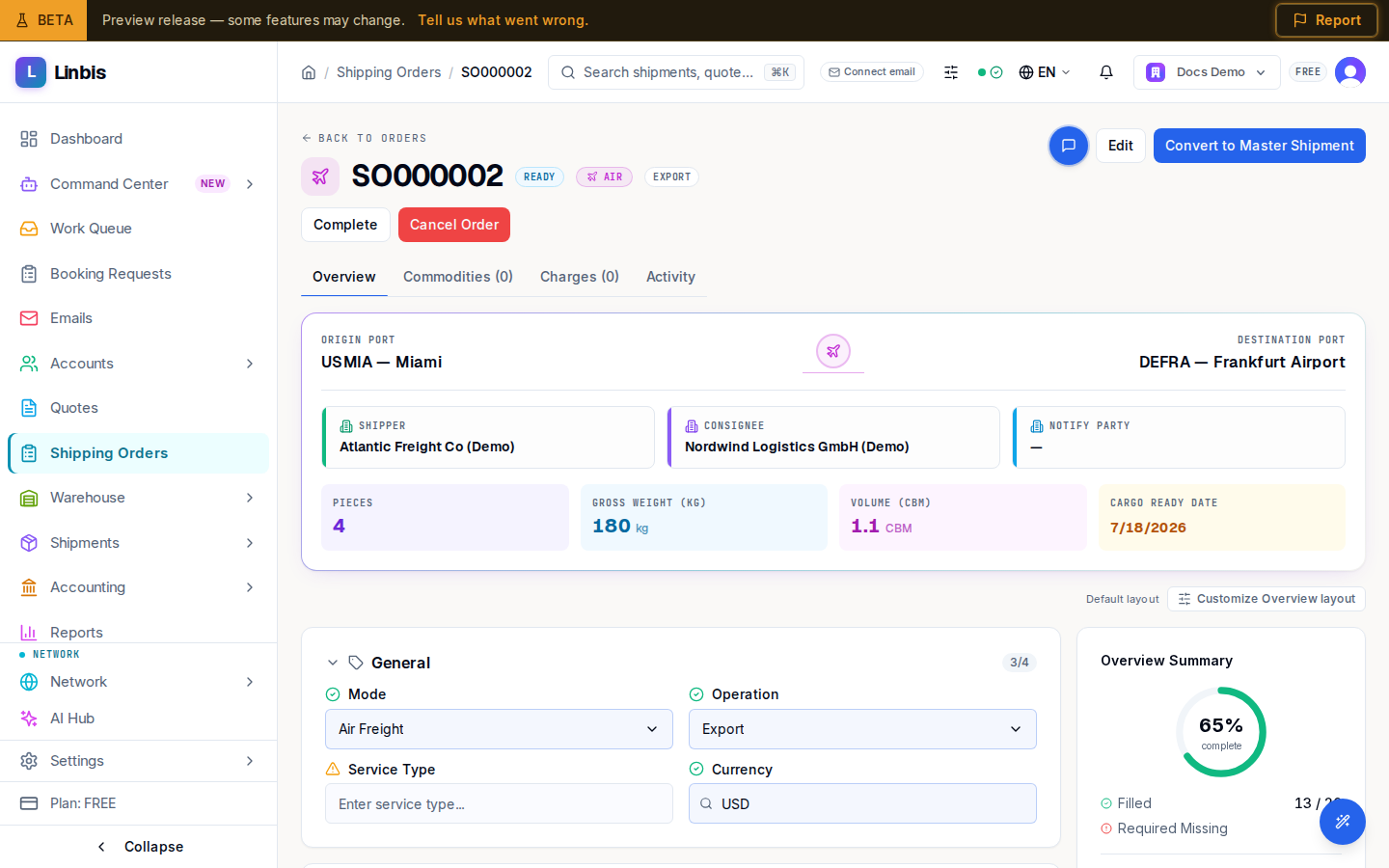
- Select Convert to Master Shipment in the header.
- Confirm the dialog ("Convert to Master Shipment?"). Linbis creates a master shipment from the order, moves all commodities to it, and copies the charges.
- You land on the new master shipment; the order now shows "This order was converted to shipment" with a View Shipment link, and its status becomes Converted.
Create the house shipments in bulk
- On the master shipment's Overview tab, open the House Shipments section and select Create Houses by Grouping.
- Pick the Grouping Method:
- By Consignee — one house per unique consignee (the common consolidation case).
- By Shipper — one house per shipper.
- By Shipper + Consignee — one house per unique pair.
- By Warehouse Receipt — one house per source receipt.
- Select Create Houses. Linbis creates every house in one operation and confirms how many house shipments came out of how many groups.
This is the bulk path: whether the master carries cargo for 5 consignees or 500, the grouping run creates all the houses at once — no per-house data entry.
Result
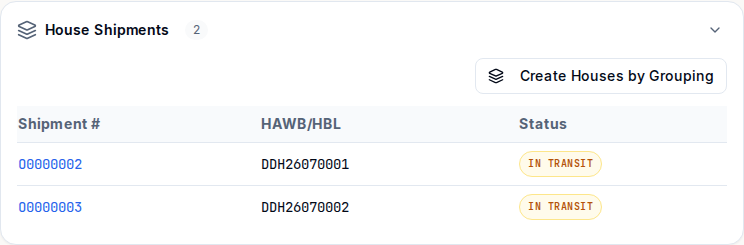
The master lists its houses (shipment number, HAWB/HBL, status) in the House Shipments section; each house is a full shipment ready for its own documents and charges.
From shipping order to house shipments
Convert a customer shipping order into a master shipment, then create every house shipment in one grouped operation — by consignee, shipper, or receipt. Guided on the real order and shipment screens.
Tips
- Existing standalone house shipments can be attached to a master later: select them in the Shipments list and use Assign to Master (or Create New Master) from the bulk action bar — see Consolidate house shipments under a master.
- Bulk Convert in the Shipping Orders header opens the Import Data Wizard — the spreadsheet route for creating many records at once.
- A partially processed order shows Partially Converted until everything is converted.