Shipments
Consolidate house shipments under a master
Group houses under one master shipment — by grouping the master's cargo, or by assigning existing houses.
A consolidation moves several customers' cargo under one master shipment (one MAWB or MBL with the carrier) while each customer keeps their own house shipment (HAWB/HBL). Linbis supports both directions: split a master's cargo into houses, or attach existing houses to a master.
Before you start
- The master needs its carrier document number — MAWB for air, MBL for ocean.
- A house shipment does not need a master at creation; standalone houses are valid and can be assigned later. See Master, house & chargeable weight.
Option A — create houses from the master's cargo
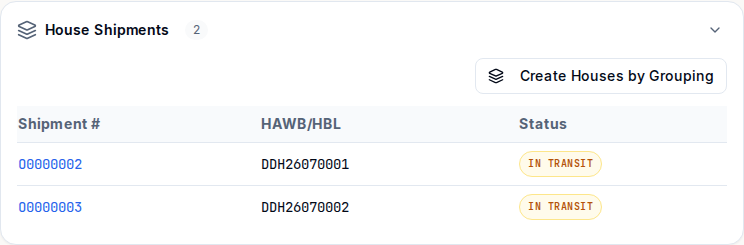
- Open the master shipment and find the House Shipments section on the Overview tab.
- Select Create Houses by Grouping.
- Pick the Grouping Method: By Consignee, By Shipper, By Shipper + Consignee, or By Warehouse Receipt.
- Select Create Houses — one house shipment is created per group, in a single operation.
Option B — assign existing houses to a master
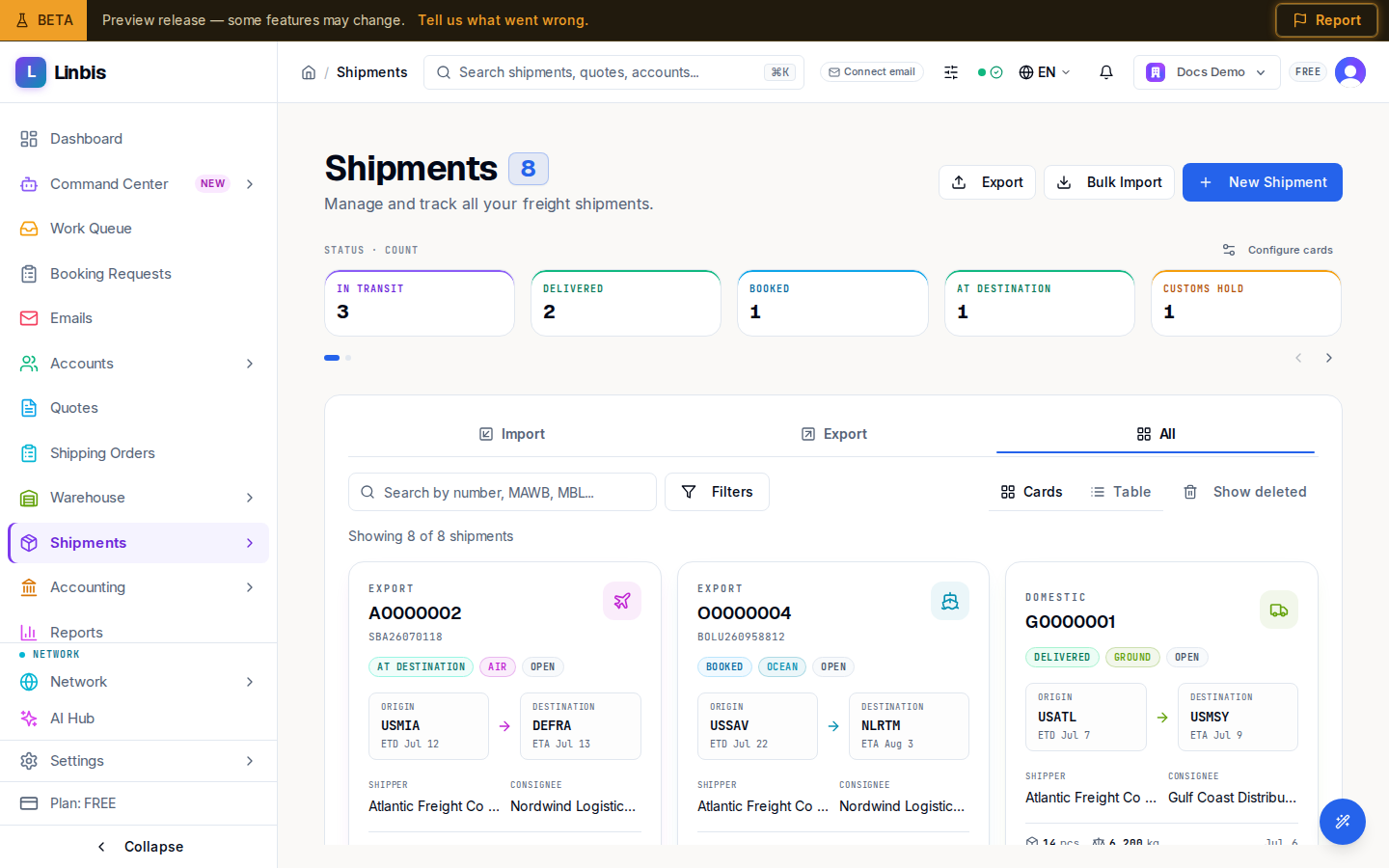
- Open Shipments and switch to the Table view.
- Select the house shipments to consolidate (the selection bar appears; Assign to Master is unavailable if a selected row is itself a master).
- Select Assign to Master. In the dialog, either:
- Select Existing Master — search by shipment number or MAWB and select Assign to Selected Master, or
- Create New Master — Linbis creates a fresh master and attaches the selected houses to it.
Result
The master's House Shipments section lists every house with its shipment number, HAWB/HBL, and status, and the master's totals reflect the consolidated cargo. Each house page links back to its master ("Master:" in the header).
Tips
- The shipments list marks classes with Master/House pills, and Consol/Direct for the shipment type — filter or sort by the Type column to find consolidation candidates.
- Documents follow the class automatically: the Bill of Lading set switches between master and house variants based on the shipment.