Accounts
Campaigns
Email marketing campaigns — KPI tiles, the status filter, and the New Campaign builder with templates, personalization, and recipient segmenting.
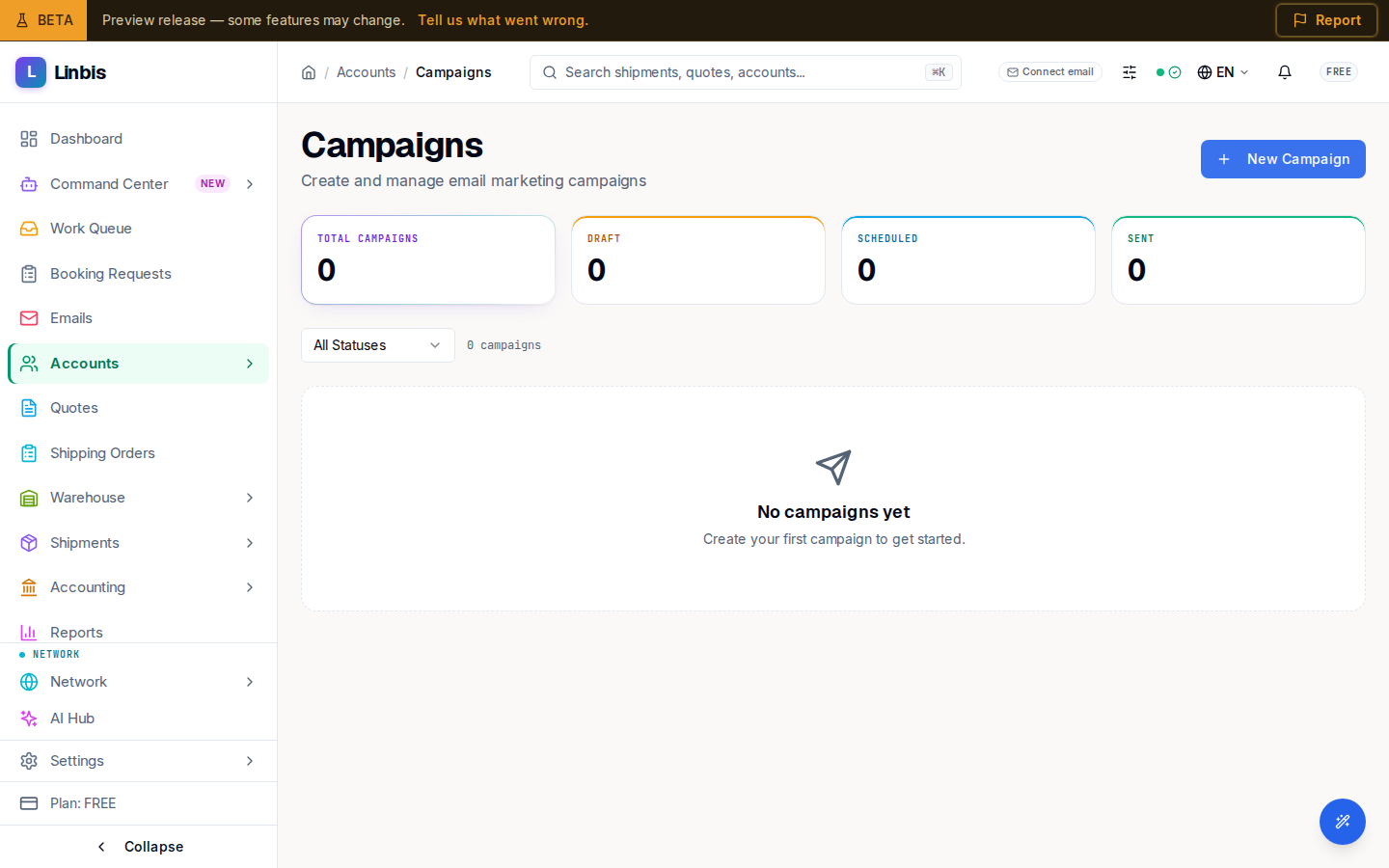
Campaigns (/accounts/campaigns) runs email marketing to your accounts: "Create and manage
email marketing campaigns." KPI tiles across the top count Total campaigns, Draft,
Scheduled, and Sent; a status filter (All Statuses, Draft, Scheduled,
Sending, Sent, Cancelled) narrows the list below. Each card shows the campaign name,
subject, author, and — once sent — how many messages landed and how many failed.
New Campaign
New Campaign opens the builder — "Draft, segment recipients, and ship — all on one canvas":
- Start from Template pre-fills the name, subject, and body.
- Campaign Details — a Campaign Name, an Email Subject, and an Email Body, with the
placeholders
{{firstName}},{{lastName}}, and{{company}}for personalization. - Recipients — segment by Account Types (Shipper, Consignee, Carrier, Agent, Vendor, Customer), a Minimum Account Score, and Opportunity Stages. A live count shows how many recipients match, with a Preview (first 5).
Finish with Create Campaign. New campaigns start as Draft until you schedule or send them.
Related
- Build a campaign — the New Campaign builder, step by step
- Campaign detail — status, results, and metrics
- Opportunities
- Accounts screen reference
- All Accounts