Tasks
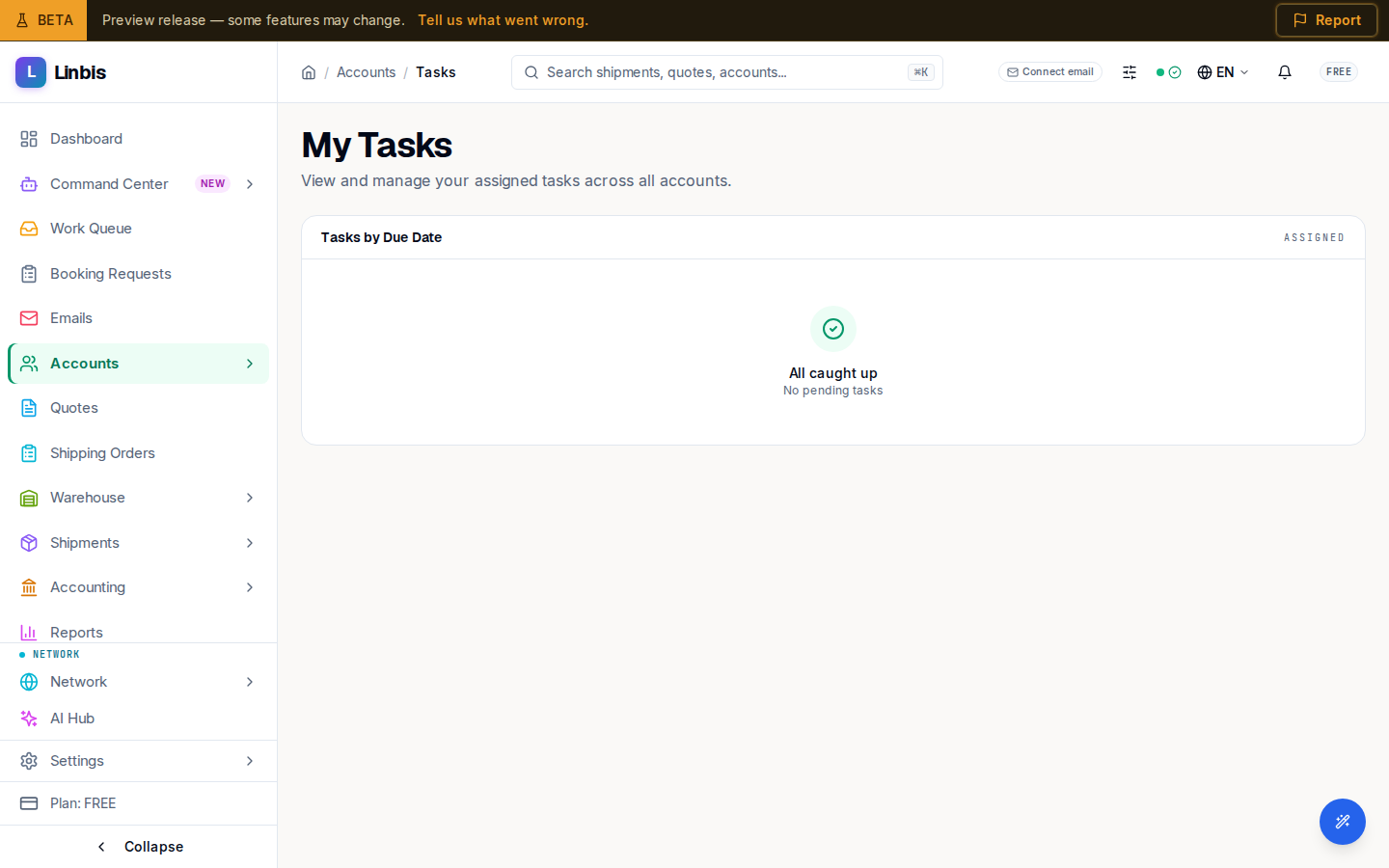
My Tasks — your assigned to-dos across every account, grouped by due date with priority and type.
Tasks (/accounts/tasks) is your personal to-do list across every account: My Tasks —
"View and manage your assigned tasks across all accounts." It pulls every task assigned to you into
one place so nothing about a customer slips.
Grouped by due date
Under Tasks by Due Date, open work is bucketed into Overdue, Today, This Week, Next Week, and Later, each with a count. A task shows its title, the account it belongs to, a due date (for example "2d overdue" or "Tomorrow"), and a priority pill — LOW, MEDIUM, HIGH, or URGENT. An icon marks the type: call, email, meeting, or documentation.
Completing tasks
Tick the checkbox to complete a task — it confirms with "Task completed" and strikes the row through. Clear every bucket and the list shows "All caught up" / "No pending tasks". Tasks are also created and viewed per account from the account's Sales tab, and can be linked to an opportunity.
Related
Work an opportunity
The opportunity detail page — changing stage, marking a deal lost with a reason, reverting, and reading linked quotes, tasks, and stage history.
Campaigns
Email marketing campaigns — KPI tiles, the status filter, and the New Campaign builder with templates, personalization, and recipient segmenting.