Network Connections
Manage partnership requests and active connections — accept or reject incoming requests, track outgoing ones, and disconnect.
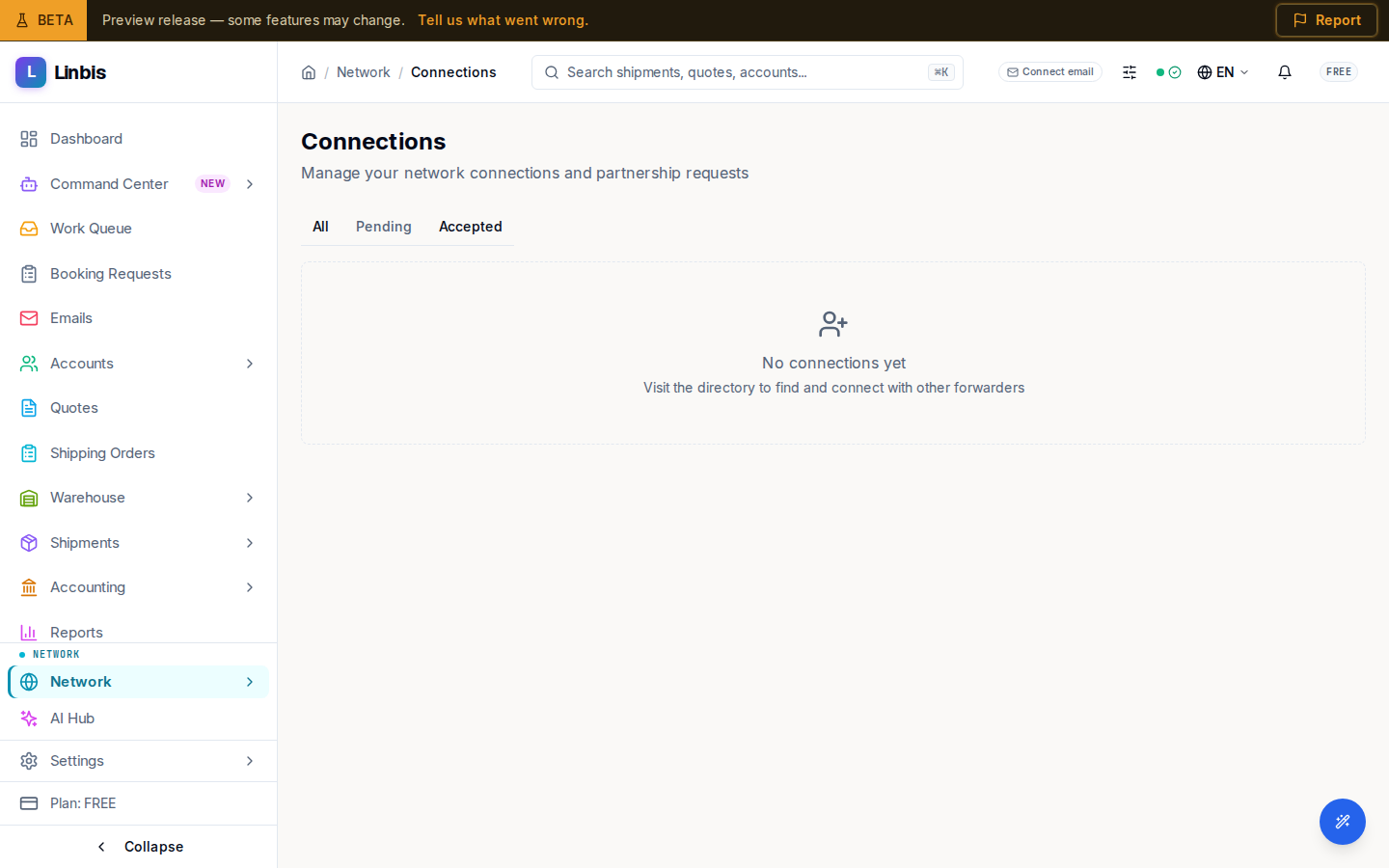
Network Connections manages the requests that flow to and from your directory profile. The screen header reads Connections, with the subtitle "Manage your network connections and partnership requests."
Tabs and states
Three tabs — All, Pending, Accepted — filter the list. Each card shows the other company, its location, a status pill (PENDING or ACCEPTED), and the relationship type.
- Incoming requests carry an Incoming badge with Accept and Reject buttons. Accepting shows "Connection accepted"; rejecting shows "Connection rejected."
- Requests you sent that are still open show Awaiting Response.
- An accepted connection offers Disconnect (confirmed with a "Disconnected" toast).
When a tab is empty you'll see "No connections yet", "No pending connection requests", or "No active connections yet", each nudging you to "Visit the directory to find and connect with other forwarders."
Accepted connections unlock Messages and are the partners you trade rate requests with.
Related
- Network Directory — where you send requests from
- Messages
- Invitations