Messages
The network inbox — direct conversations with connected partners, in a resizable list-and-thread layout.
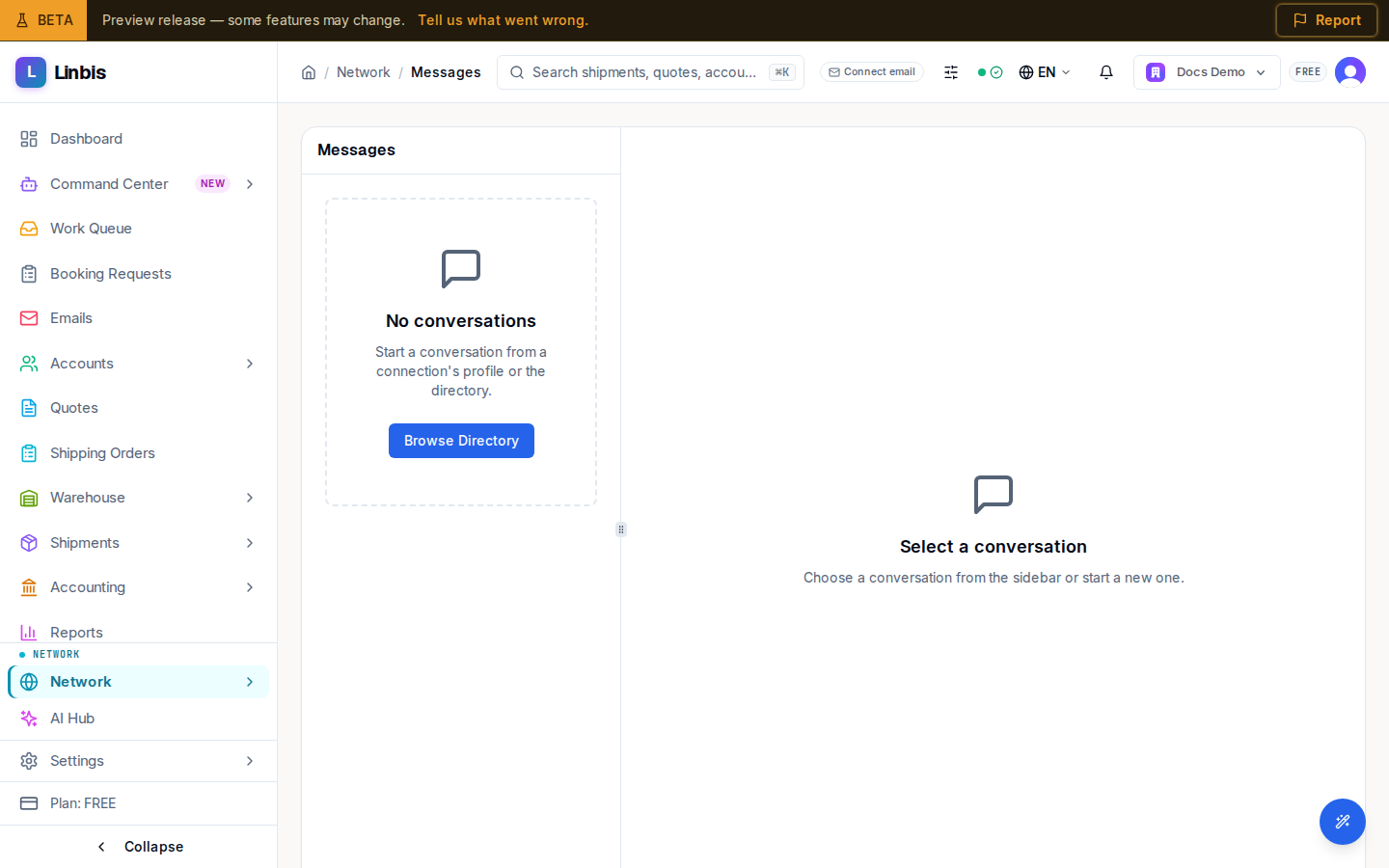
Messages is the network inbox — direct conversations with partners you are connected to. On desktop it is a resizable split: a Messages list on the left, the open thread on the right; on smaller screens the list and thread swap in and out.
The conversation list
Each row shows the conversation title (a direct one falls back to Direct Message), the last message preview, a relative timestamp, and an unread-count badge. Selecting a row opens the thread beside it; the URL keeps the selected conversation so a link reopens it.
When you have no threads yet the list shows an empty state: "No conversations", "Start a conversation from a connection's profile or the directory", and a Browse Directory button. With nothing selected, the right pane reads "Select a conversation." A brand-new thread shows "No messages yet. Start the conversation." If the list fails to load, a Retry button reloads it.
Sending a message
The composer sits at the bottom of the thread. You start conversations from a connection's profile or from the directory — this page does not create them on its own.
Related
- Network Connections — who you can message
- Network Directory
- Network screen reference