My Profile
Publish your company's network profile so other forwarders can find you — company details, freight modes, cargo types, and trade lanes.
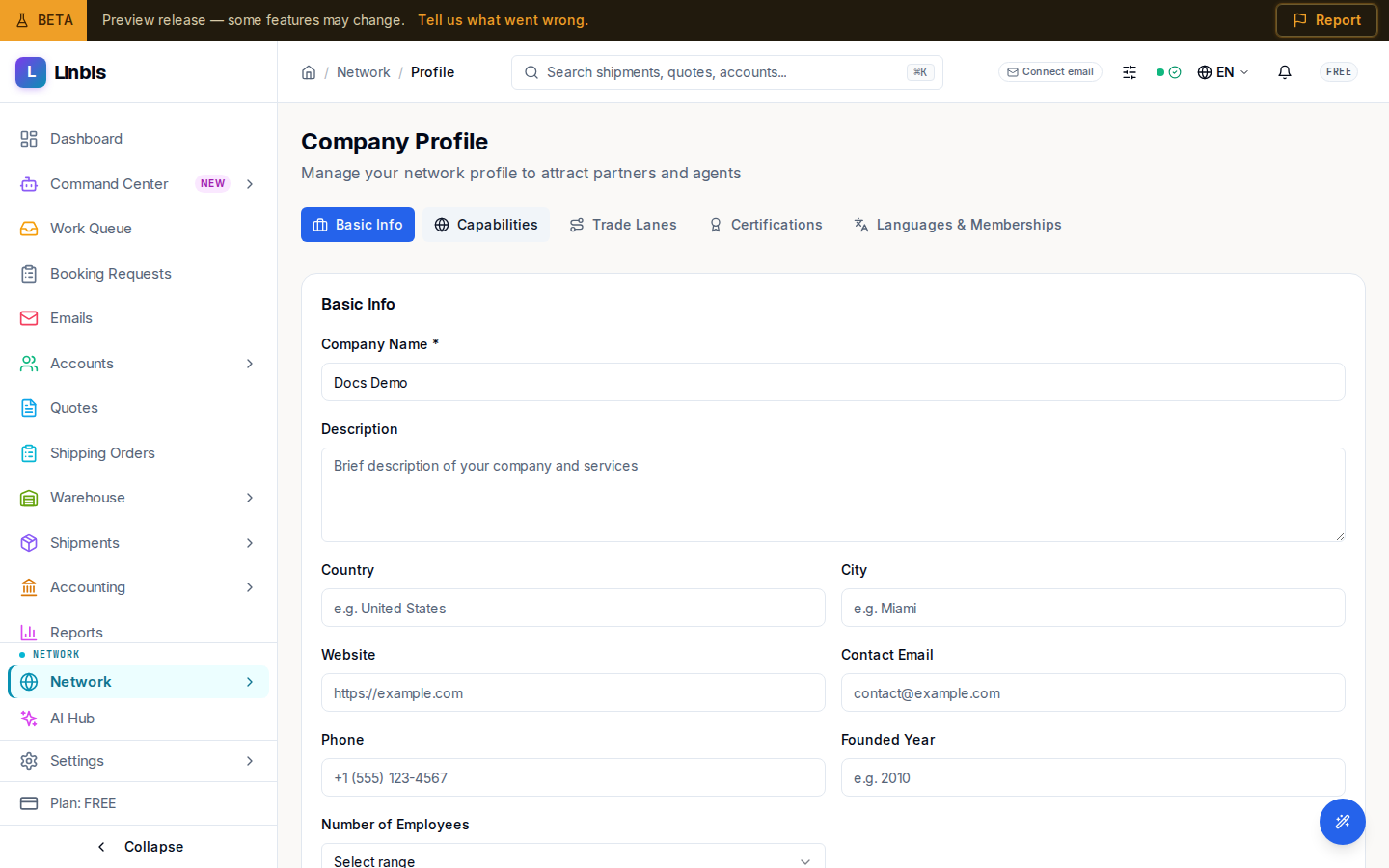
My Profile is where you present your company to the rest of the Linbis network. The page opens under the heading Company Profile, with the subtitle "Manage your network profile to attract partners and agents."
Publish or keep it a draft
Top right, a badge reads Published or Draft, and the button beside it toggles between Publish and Unpublish. Only a Published profile is listed in the Network Directory — unpublish to hide from search without losing anything. Saving shows a "Profile published" or "Profile unpublished" confirmation.
What the editor collects
- Company Name (required), Description, Country, City, Website, Contact Email, Phone, Founded Year, and Number of Employees.
- Freight Modes and Cargo Types you handle — these become the badges other forwarders filter on in the directory.
- Your trade lanes — Origin Country / Origin Port to Destination Country / Destination Port — so partners searching a lane can find you.
A complete, published profile is the front door to the network: it feeds the directory, incoming connection requests, and rate requests.