Shared Shipments
Shipments a network partner has shared with you — the sharer, the mode and status, ETD to ETA, the exact fields shared, and when access expires.
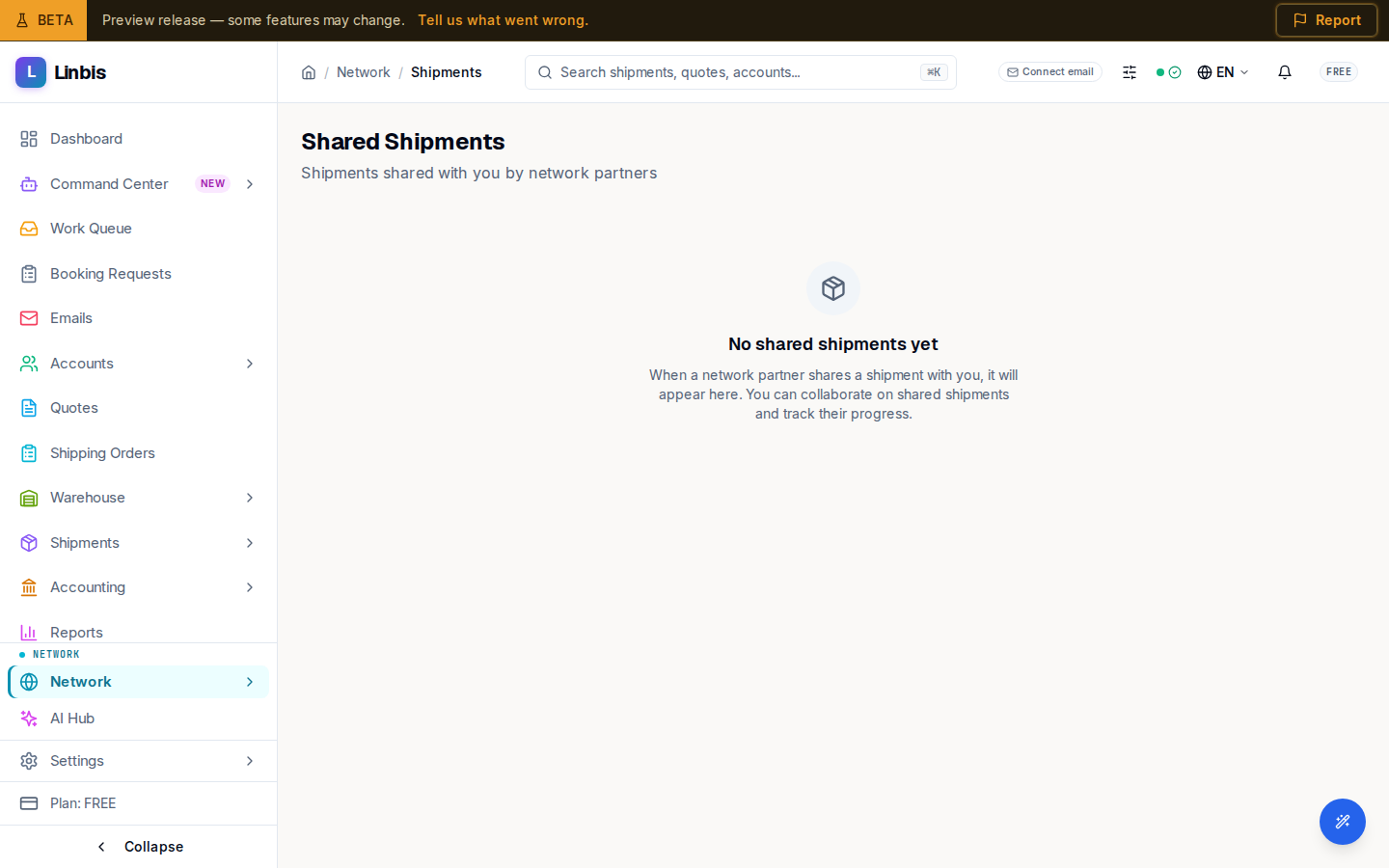
Shared Shipments lists the shipments a network partner has shared with you. The subtitle reads "Shipments shared with you by network partners", and once cards load the count is spelled out as "N shipments shared with you by network partners."
What each card shows
A shared-shipment card names who shared it, the shipment number, its mode and status, and the route as ETD → ETA. It shows exactly which fields the sharer chose to expose, a Shared date, and an Expires date for time-limited shares — so you always know what you can see and for how long.
Long lists page with a Previous / Next control.
Empty and error states
Before anyone shares with you, the page shows "No shared shipments yet" and explains: "When a network partner shares a shipment with you, it will appear here. You can collaborate on shared shipments and track their progress." If loading fails, it shows "Failed to load shared shipments" with a prompt to refresh.
Shares come from partners you are connected with; this is the inbound side of network collaboration.