Marketplace
Browse capacity alerts, trade lane requests, and rate bulletins from your network — one feed, filterable, with post actions.
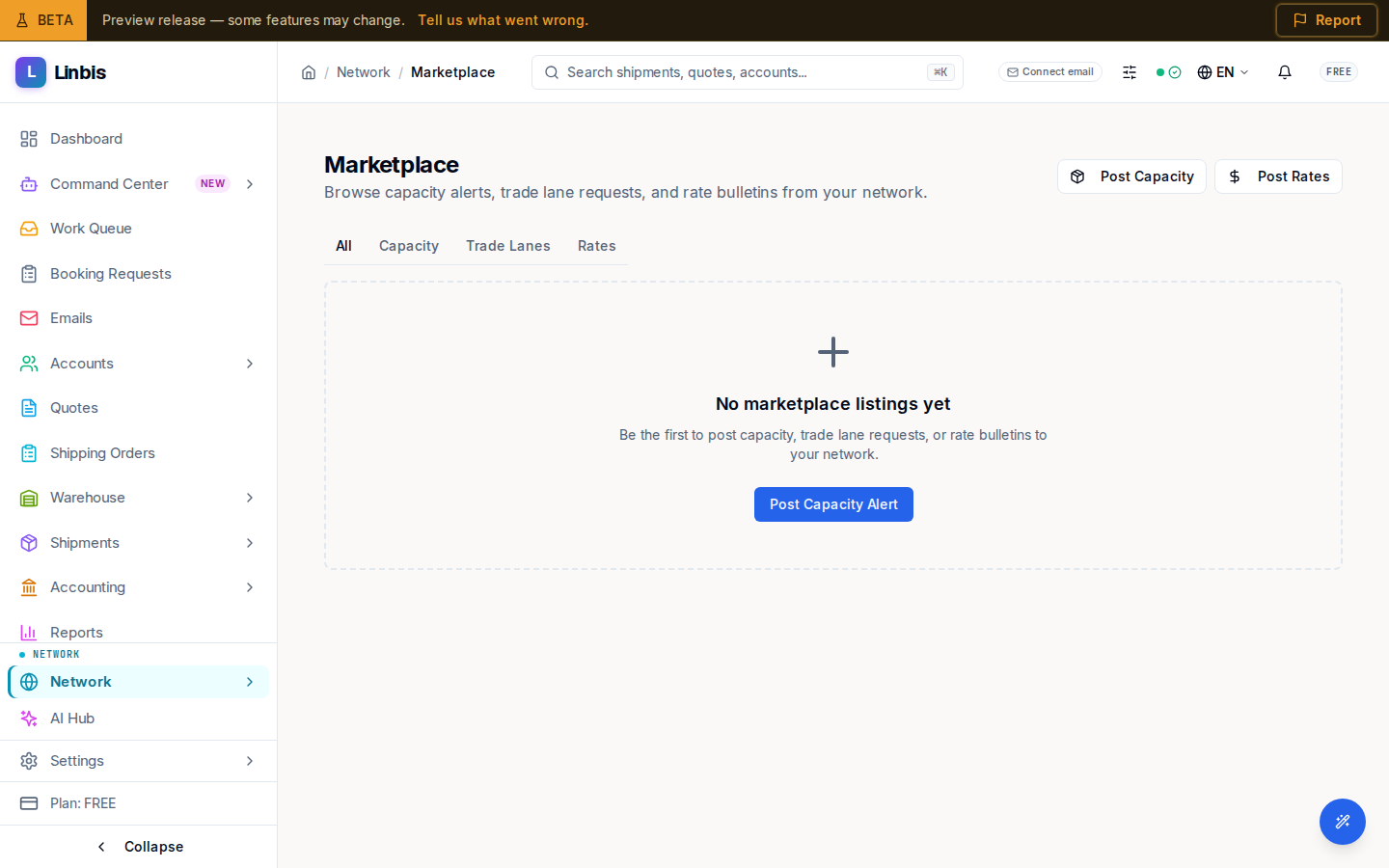
Marketplace is the network's bulletin board. The subtitle sums it up: "Browse capacity alerts, trade lane requests, and rate bulletins from your network." Everything posted arrives in one feed, newest first.
Tabs and posting
Four tabs filter the feed — All, Capacity, Trade Lanes, Rates — and two buttons post to it: Post Capacity (opens "Post Capacity Alert") and Post Rates (opens "Post Rate Bulletin"). Cards render per type: capacity alerts, trade-lane requests, and rate bulletins.
When the feed is empty you see "No marketplace listings yet" with "Be the first to post capacity, trade lane requests, or rate bulletins to your network."
Per-type pages
Alongside the combined view, the sidebar routes drill into a single type — capacity, rates, and trade lanes each have their own page under Marketplace — but the main screen already shows them all together with the tab filter.
Where the Load Board is about specific loads, Marketplace is about standing signals: "I have space", "I want this lane", "here are my rates."
Related
- Capacity Alerts — browse and post open space
- Rate Bulletins — browse and post lane rates
- Trade Lane Requests — partners seeking lane coverage
- Load Board
- Rate Requests
- Network screen reference