Network Directory
Find and connect with published freight forwarders — search by name, country, freight mode, and cargo type, then send a connection request.
Network Directory is the searchable list of every forwarder who has published a profile. Its subtitle: "Find and connect with freight forwarders worldwide."
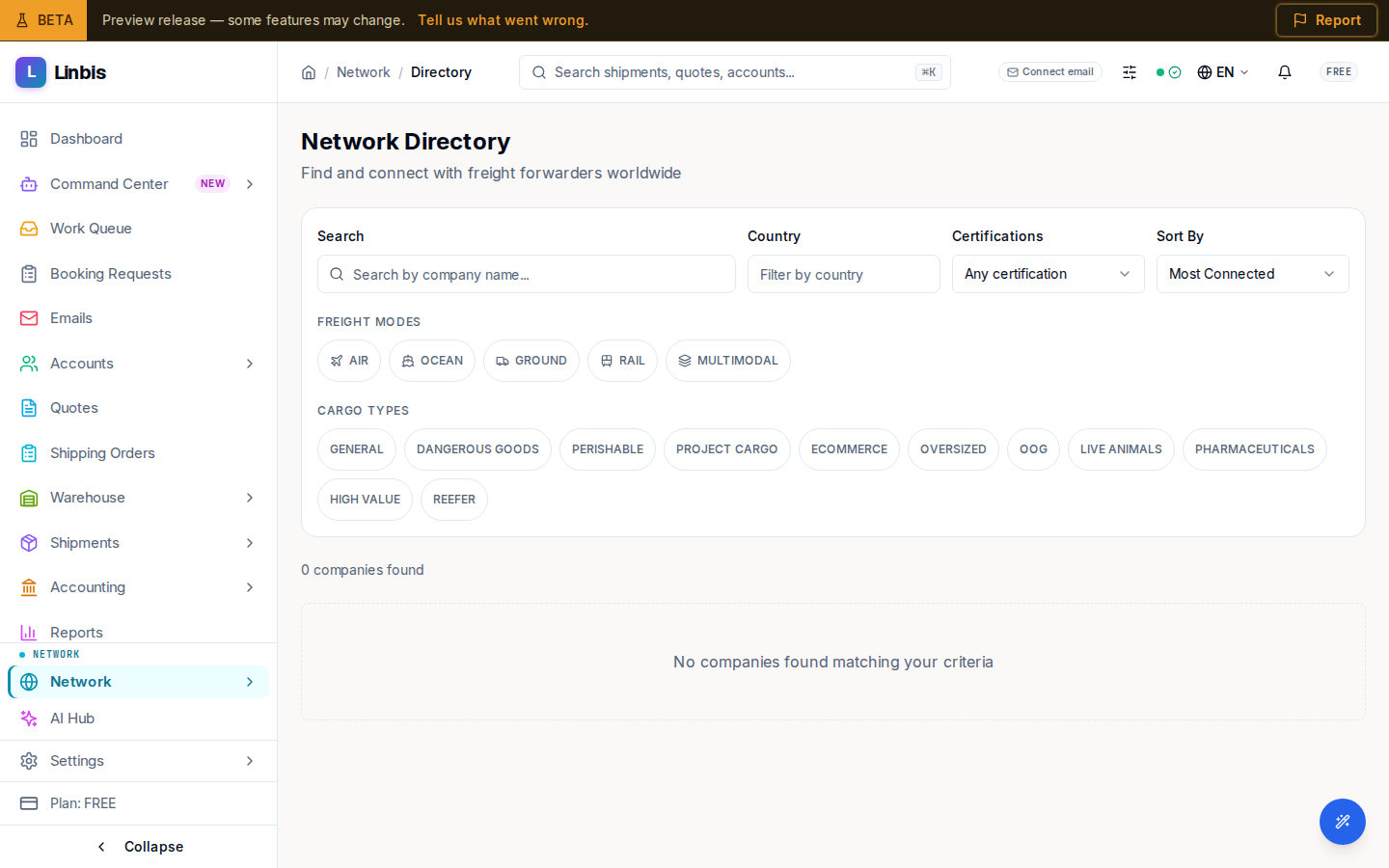
Search and filter
The filter bar narrows the list by text query, Country, freight mode (AIR, OCEAN, GROUND, RAIL, MULTIMODAL), cargo type, and a sort (by name, connections, or newest). A running count reads "N companies found" above the results.
Each result card shows the company, location, connection count, profile views, and freight-mode badges. When no one matches, the directory shows "No companies found matching your criteria." Long result sets page with a Previous / Next control.
Send a connection request
Connect on a card opens the request dialog. Pick a Relationship Type — Overseas Agent, Co-Loader, Customs Broker, Carrier, Trucker, Warehouse Provider, NVOCC, Insurance Broker, or Other — add an optional message, then Send Request. The other company sees it under Network Connections as an incoming request.
Related
- My Profile — publish yours to appear here
- Network Connections
- Invitations — bring a forwarder who is not on Linbis yet onto the network