My Partners
Your agents, truckers, customs brokers, and other partners — auto-detected from shipment history, with quick actions to reach or invite them.
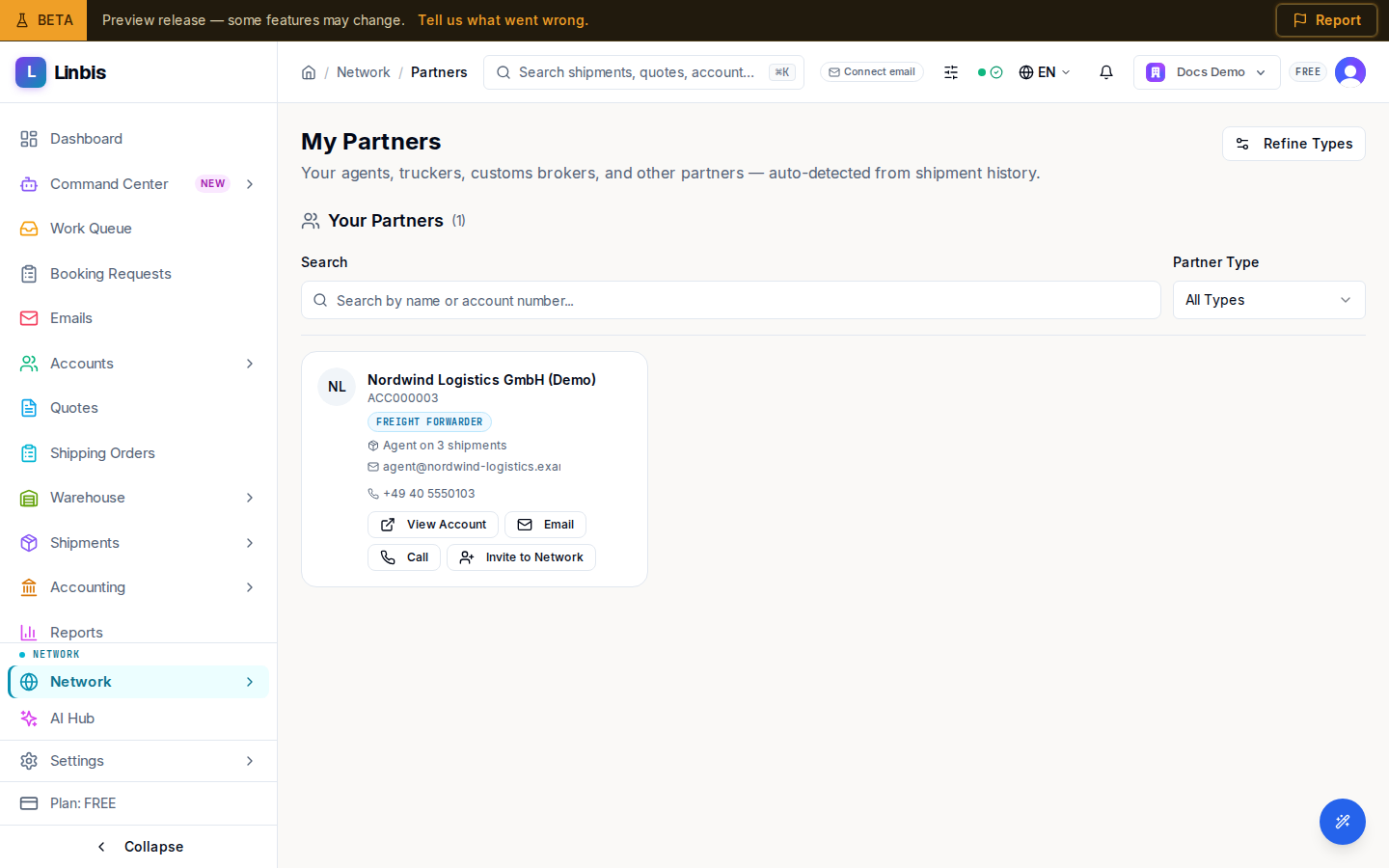
My Partners collects the companies you already work with. The subtitle explains where the list comes from: "Your agents, truckers, customs brokers, and other partners — auto-detected from shipment history." No acceptance step is needed — partners appear directly.
Filter and refine
Filter the grid by Partner Type. The Refine Types button (which flips to Hide) opens a classification panel where you tune the auto-detected type when the system guessed wrong.
Partner card actions
Every partner card offers View Account (opens their account record) and, when contact details exist, Email and Call. Beyond that, the actions depend on whether the partner is already on Linbis:
- On the network — Message (starts a conversation), Request Rate, and Network Profile (opens their directory profile).
- Not yet on the network — Invite to Network, which sends them an invitation.
Because partners are derived from your real shipments, this page is the fastest way to reach the counterparties you move cargo with — no directory search required.