Rate Requests
Ask a connected agent for a freight rate and track the reply — sent and received requests, their route and mode, and their status.
Rate Requests is lane pricing between partners — ask a connected agent for a rate and follow the reply in one place. New Rate Request (top right) starts one.
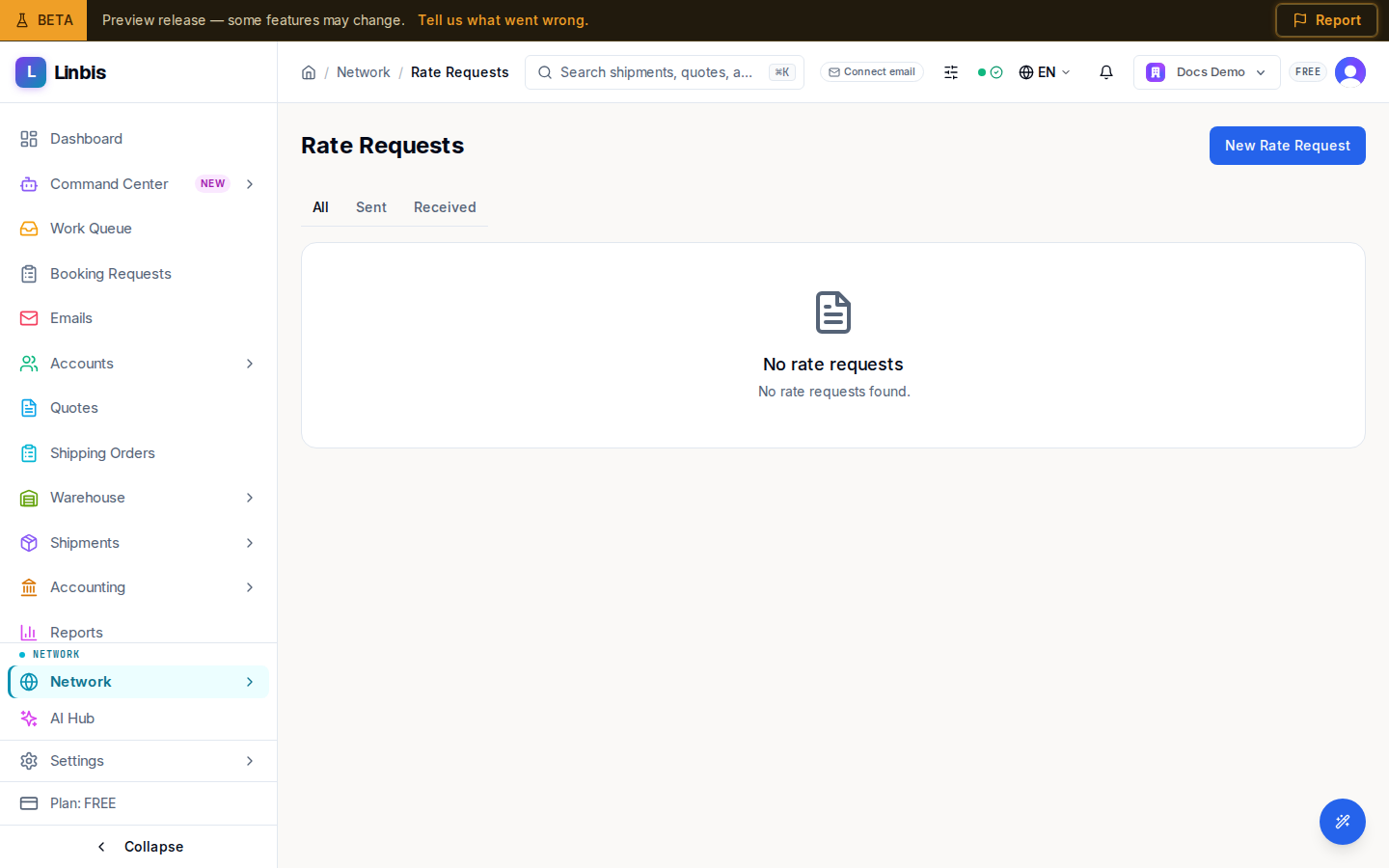
The list
Three tabs — All, Sent, Received — split the requests. Each row shows the route with a mode icon (origin → destination), a mode pill, cargo type, a "Cargo ready" date, the commodity, and a status pill: PENDING, QUOTED, ACCEPTED, CANCELLED, or EXPIRED. Selecting a row opens its detail. Empty tabs read "No rate requests" with a line such as "You have not sent any rate requests yet." Long lists page with a Previous / Next control.
Creating a request
New Rate Request opens a form headed "Request a freight rate from a connected agent or external contact." You choose a Freight Mode, fill the Route — Origin and Destination Country and Port / Airport — and add cargo details (commodity, cargo type, weights). Ocean requests add container and load-type fields; air requests compute chargeable weight. Submitting returns you to the list.
You can also start a request straight from a partner on My Partners or from an invitation.
Related
- Send a rate request — the New Rate Request form, field by field
- Quote, accept, or cancel a rate request — the detail-page actions
- My Partners
- Network Directory
- Marketplace — broader capacity and rate bulletins