Invitations
Bring a forwarder onto the network by email — send a direct or rate-request invite and track its status from sent to claimed.
Invitations brings a partner who is not on Linbis yet onto the network. The page is headed Invite Agents.
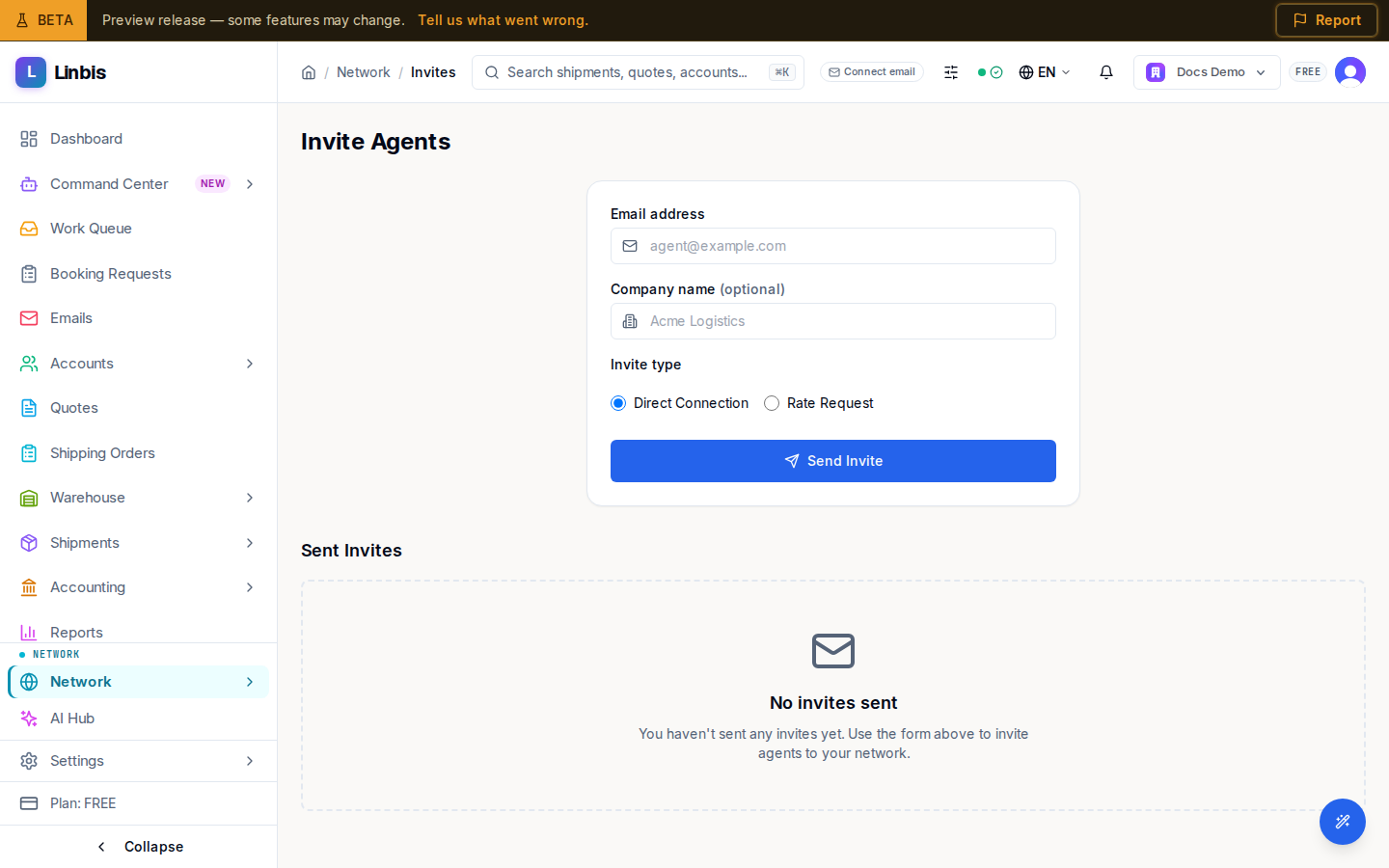
Send an invite
The form takes an Email address (required), an optional Company name, and an Invite type chosen with two radio buttons — Direct Connection or Rate Request. Send Invite delivers it; a confirmation reads "Invite sent successfully", and an invalid email is caught before sending ("Please enter a valid email address").
Track sent invites
Below the form, the Sent Invites table lists each invitation with its Email, Type, Status, and Sent Date. Status runs through SENT, OPENED, CLAIMED, EXPIRED, and BOUNCED. Before you send any, the table shows "No invites sent" with "You haven't sent any invites yet. Use the form above to invite agents to your network."
Once an invitee accepts, they join the directory and show up under Network Connections. This is the forwarder-facing invite loop; to give a customer self-service access instead, use the customer portal invite.
Related
- Network Directory
- My Partners — invite auto-detected partners in one click
- Invite a customer to the portal