Agent activity feed
The Command Center Activity tab — every agent task with its status, how the agent decided, and retry for failed tasks.
Command Center → Activity is the full task feed of the agent workforce: everything the agents did, are doing, or failed to do — one row per task.
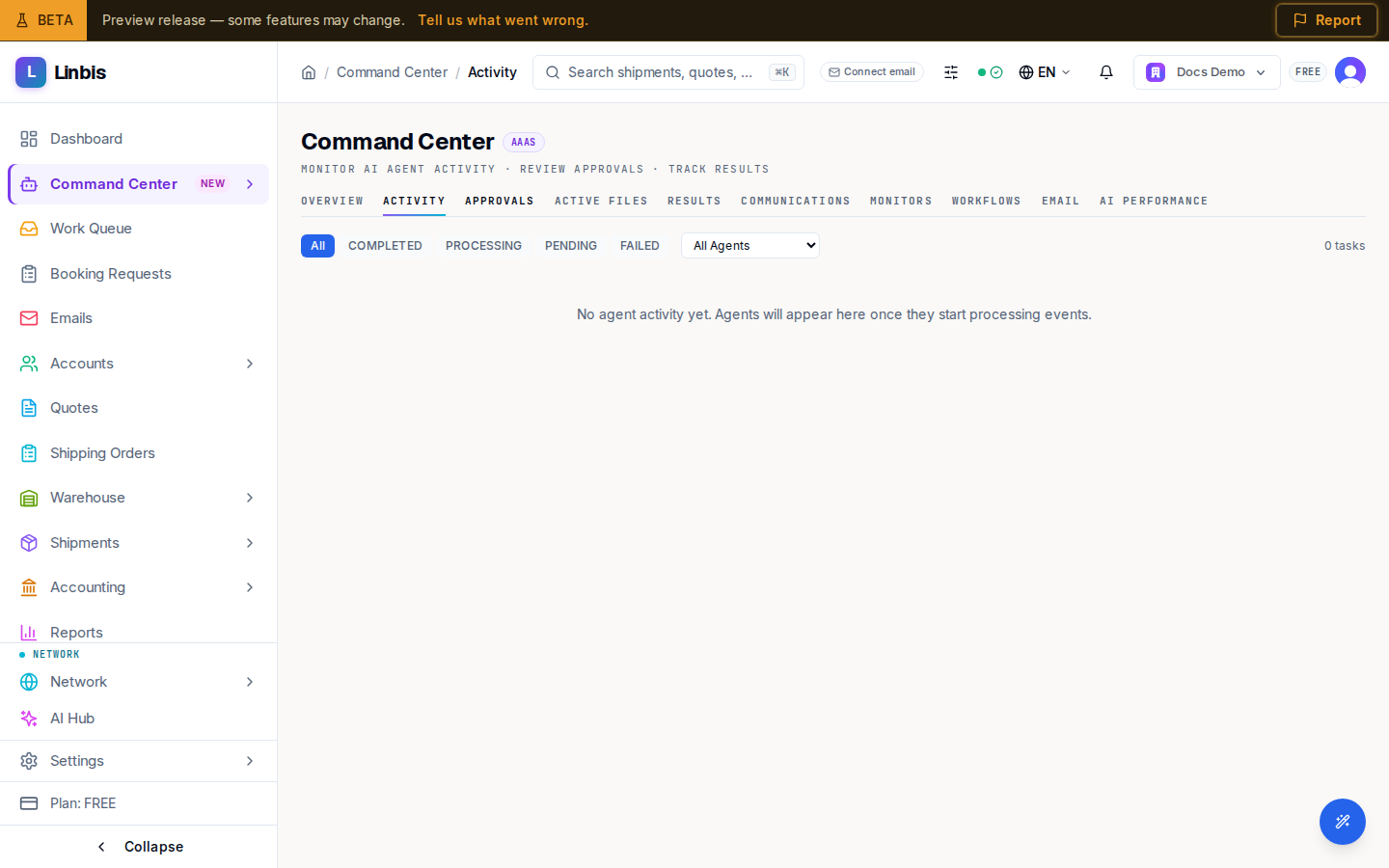
Filters
- By status: All, Completed, Processing, Pending, Failed.
- By agent: All Agents plus the workforce list (Operations, Billing, Compliance, and so on).
Reading a row
Each row shows what the agent did ("Updated shipment status", "Creating invoice from charges", "Drafting email notification"...), how it decided — Rule, AI, or Fallback — and a status badge: Processing, Queued, Awaiting Approval, Completed, Failed, Skipped, Approved, Rejected, or Cancelled.
- Items awaiting sign-off carry a Review & Approve → link straight into the Approvals tab.
- Failed rows offer Retry (managers only, maximum 3 attempts) behind a confirmation dialog — Retry failed task? → Confirm Retry.
When to use it
Activity is the audit view: use it to confirm an automation actually ran, spot Failed tasks worth retrying, and catch tasks stuck in Awaiting Approval that nobody has decided on yet. The Overview tab embeds a shortened version of this feed as AI Agent Activity with a View all link back here.