Command Center
Communications log
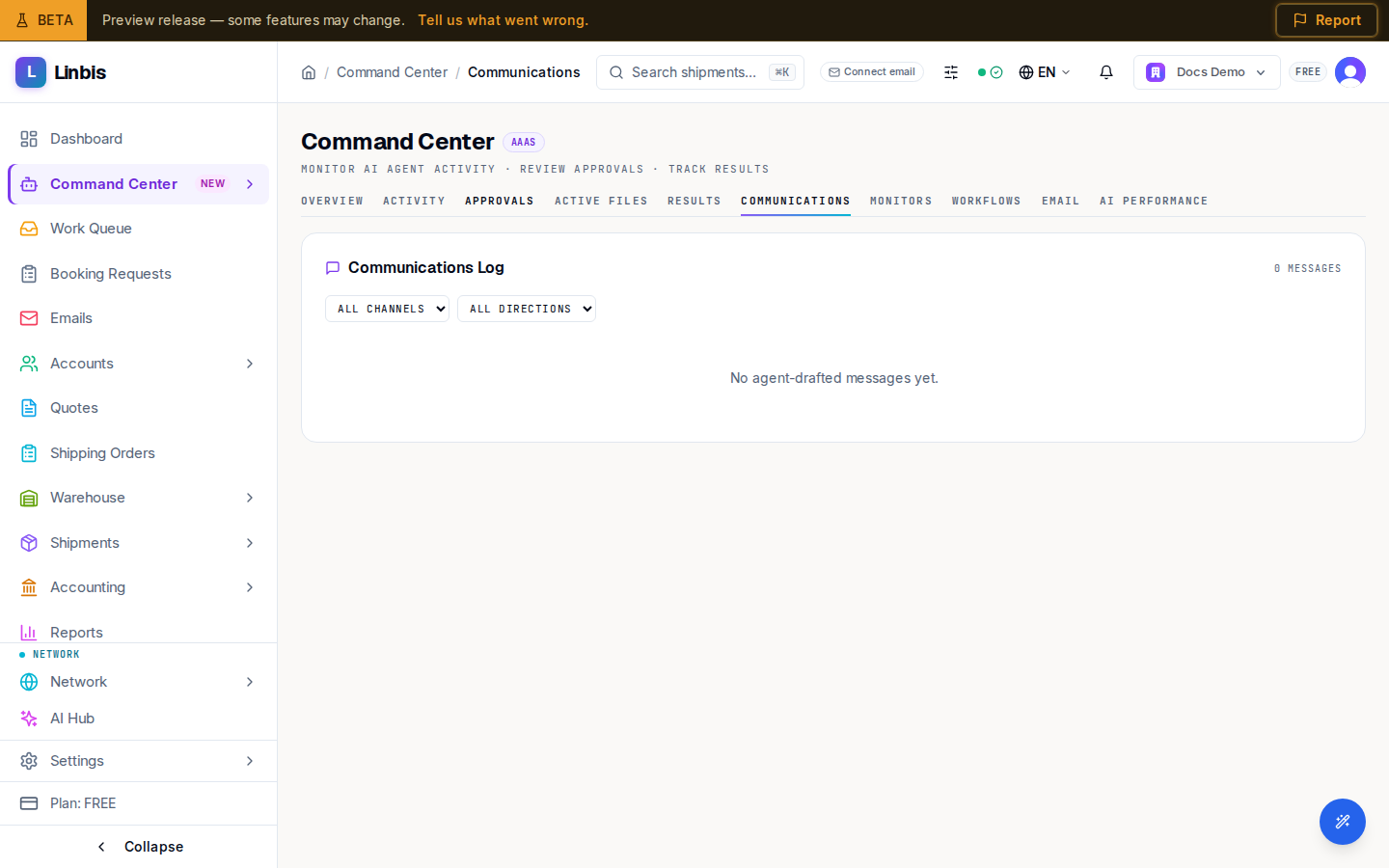
The Command Center Communications tab — every agent-drafted message by channel and direction, with its delivery status.
Command Center → Communications is the log of every message the agent workforce drafted or handled — the paper trail for anything the automation said on your behalf.
Filters
- Channel: All Channels, EMAIL, WHATSAPP, SMS.
- Direction: All Directions, INBOUND, OUTBOUND.
Reading the log
Each row carries an AI Drafted pill and a delivery status: sent, delivered, draft, failed, or pending. Use the log to answer "did that notification actually go out?" — a row stuck in draft or failed means the message never reached the customer.
How messages get here
- Agent-drafted emails and notifications that need sign-off first pass through the Approvals queue — approving with Approve & Send or Approve & Notify is what moves them to sent.
- Messages an agent may send autonomously (per its Trust level on the Overview tiles) appear here directly with their delivery status.
- The Overview tab embeds a shortened Communications Log panel with a View all link back to this tab.
Communications on a specific shipment also show on that shipment's Communications tab — this log is the cross-shipment view.