Command Center
Results dashboard
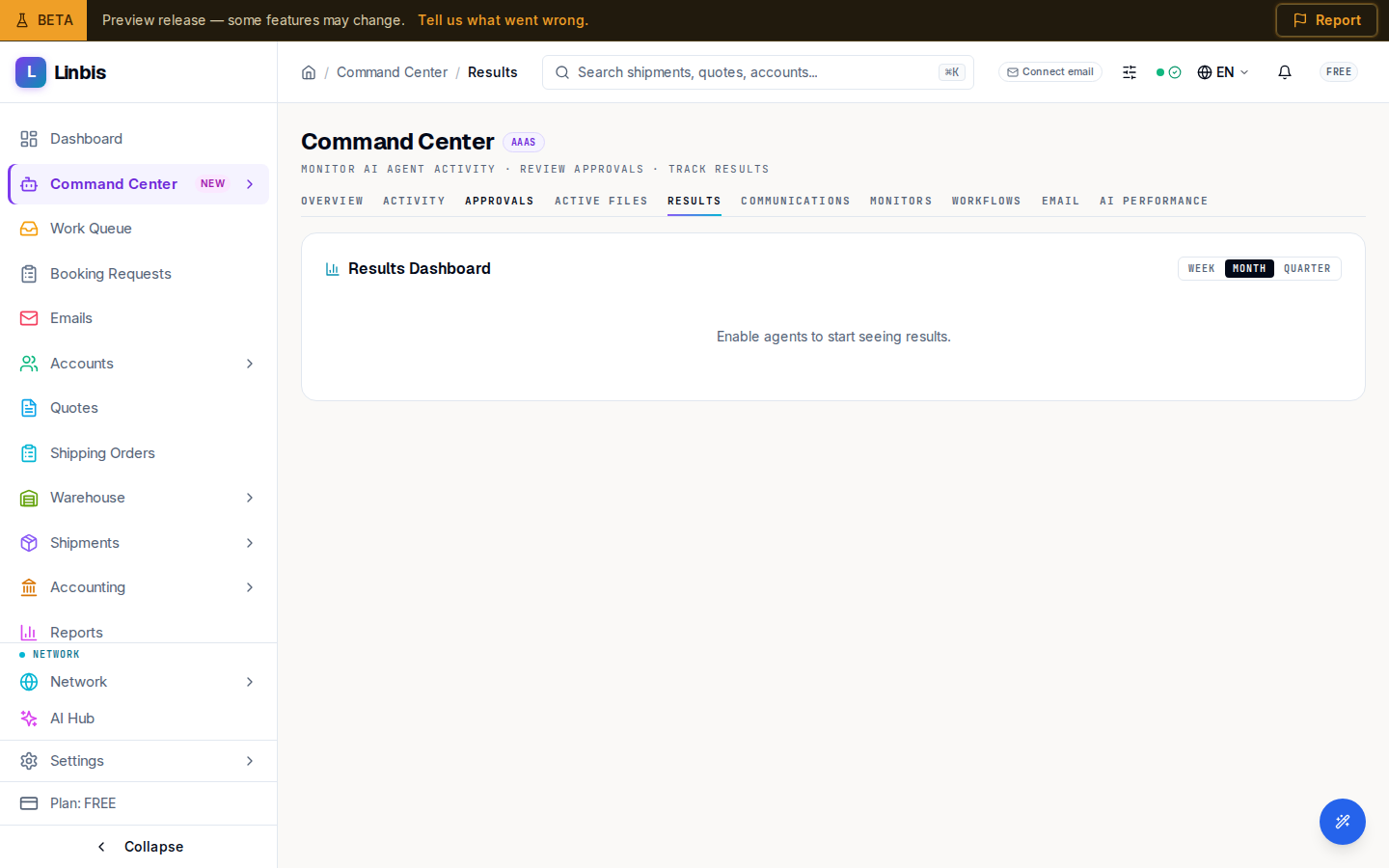
The Command Center Results tab — the automation scorecard with total actions, time saved, accuracy, and the actions-by-category breakdown.
Command Center → Results is the automation scorecard: what the agent workforce actually delivered, measured over a period you pick — Week, Month, or Quarter.
The headline numbers
- Total Actions — everything the agents executed in the period.
- Time Saved — the estimated human hours those actions replaced.
- Accuracy — how often agent output held up without correction.
- Auto-Executed — the share that ran without a human, alongside how many needed approval.
Actions by Category
The breakdown shows where the automation is doing its work: Status Updates, Invoices Created, Documents Generated, Emails Drafted, Compliance Screens, Tracking Updates, Doc Checks, and HS Classifications.
How to read it
- A low Auto-Executed share means most actions still wait in the Approvals queue — as agents earn trust (the Trust level on the Overview tiles), more runs unattended.
- Accuracy trending down is your cue to review recent items in the Activity feed and tighten up before granting more autonomy.
- The Overview tab embeds this dashboard as Results Dashboard with a View all link back here.