Warehouse
Zones & locations
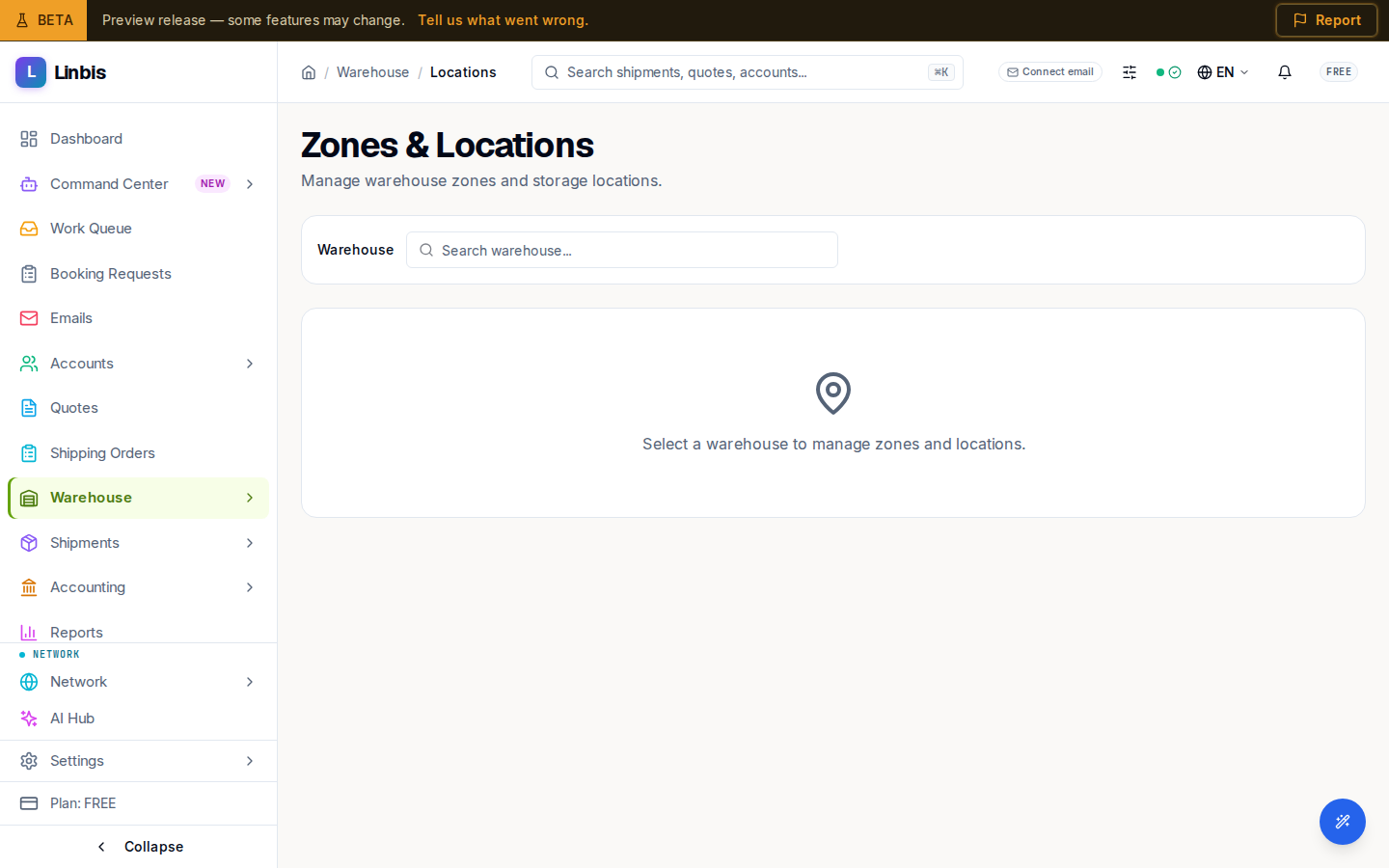
The Locations screen — organize each warehouse into zones and location codes, with types from Storage to Quality Control.
Warehouse → Locations (Zones & Locations) manages the storage hierarchy of each warehouse, so every received piece can be put away — and found again — by code.
Zones and locations
- Zones are the big areas of a warehouse — for example "Zone A" or "Cold Storage".
- Locations live inside zones and carry the code you scan or type when storing cargo —
codes like
A-01-01orR1-S3-B2.
Location types: Storage, Receiving, Shipping, Quality Control, Mobile, Other. The locations table shows Code, Type, Zone, Description, and Items — the item count tells you at a glance which locations hold cargo.
How locations are used
When you receive cargo, each commodity line takes a warehouse Location; from then on Inventory knows where every piece sits. Pick a sensible code scheme early (zone-rack-shelf works well) — the codes appear on receipts, in inventory, and at the Scan kiosk.
Rules
- Zones and locations that still have inventory in them cannot be deleted — move or release the cargo first.
- Locations belong to one warehouse; switch warehouses to manage another building's layout.