Cargo releases
The Releases list and detail — columns, the strict Pending-to-Delivered status order, who can approve, and the tabs on a release.
Warehouse → Releases lists every cargo release — the record that takes on-hand inventory out of the warehouse and to its consignee. The page shows Total Releases, Pending, Approved, and Delivered tiles, with a search box and a Cards/Table view toggle.
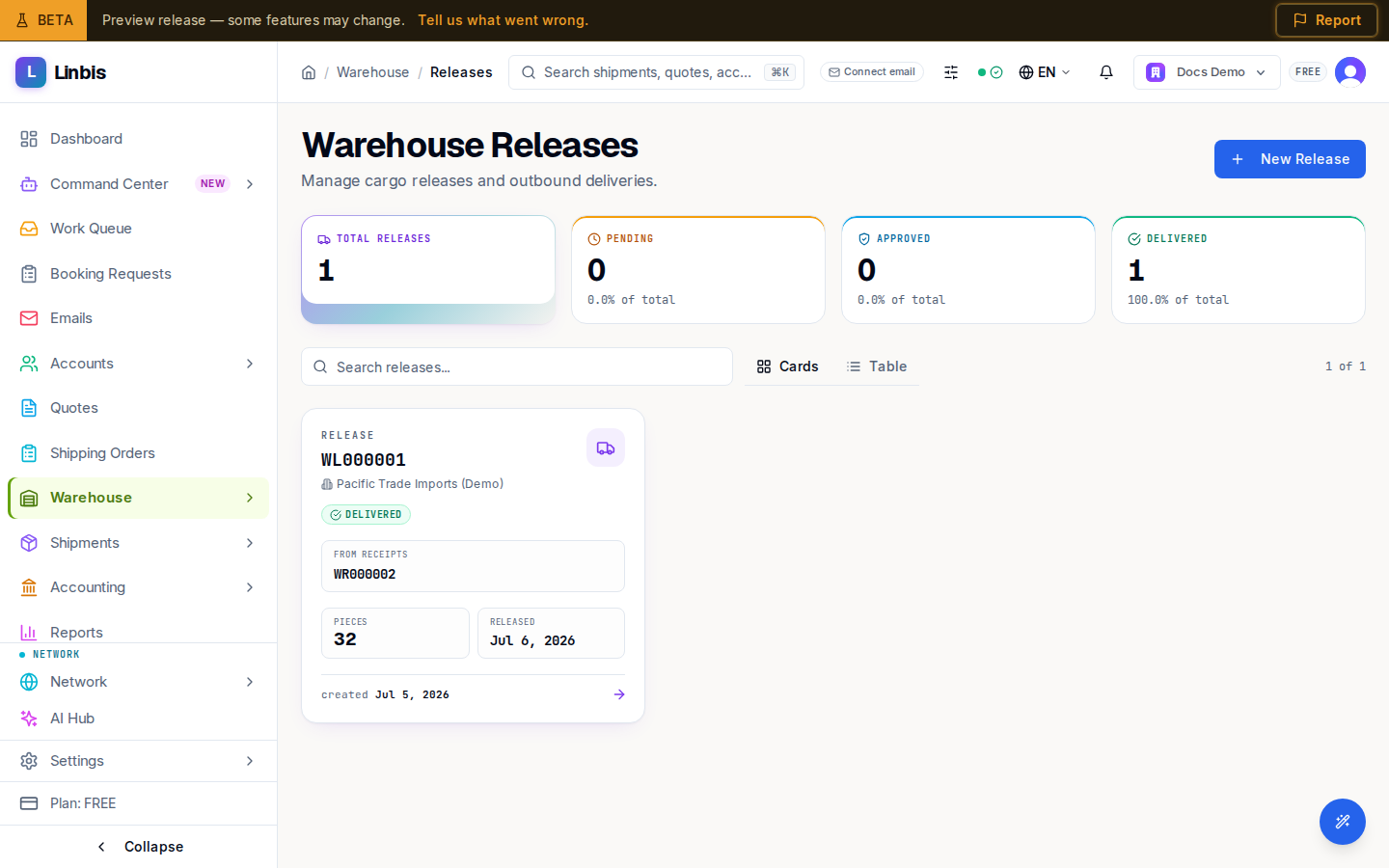
List columns
| Column | Meaning |
|---|---|
| Release # | The release number, e.g. WL000001 |
| Status | Current release status (below) |
| Consignee | Who the cargo is released to |
| Receipt Refs | Source receipt numbers |
| Requested Date | When the release was requested |
| Released Date | When cargo left inventory |
| Pieces | Total pieces on the release |
Release statuses
Statuses run strictly in order: Pending → Approved → Released → In Delivery → Delivered. Any non-terminal status can be Cancelled, which returns the pieces to Inventory. Only owners, admins, and managers can approve a release.
The release detail
A release's detail page has the tabs Overview, Commodities, Charges, Forms, Attachments, Pickup & Delivery (with the Proof of Delivery form), Timeline, and Notes. A drawn-signature proof of delivery can also be captured at the Scan kiosk.
Related
- Release cargo from the warehouse — the step-by-step how-to
- Receive cargo in the warehouse
- Warehouse screen reference