Warehouse
Scan kiosk
The touch-first Scan kiosk for the warehouse floor — one barcode lookup that receives, packs, loads, verifies, and captures proof of delivery.
Warehouse → Scan opens the touch-first kiosk for the warehouse floor — big targets, one lookup box, no desk work. It is built for a scanner gun or a tablet at the dock.
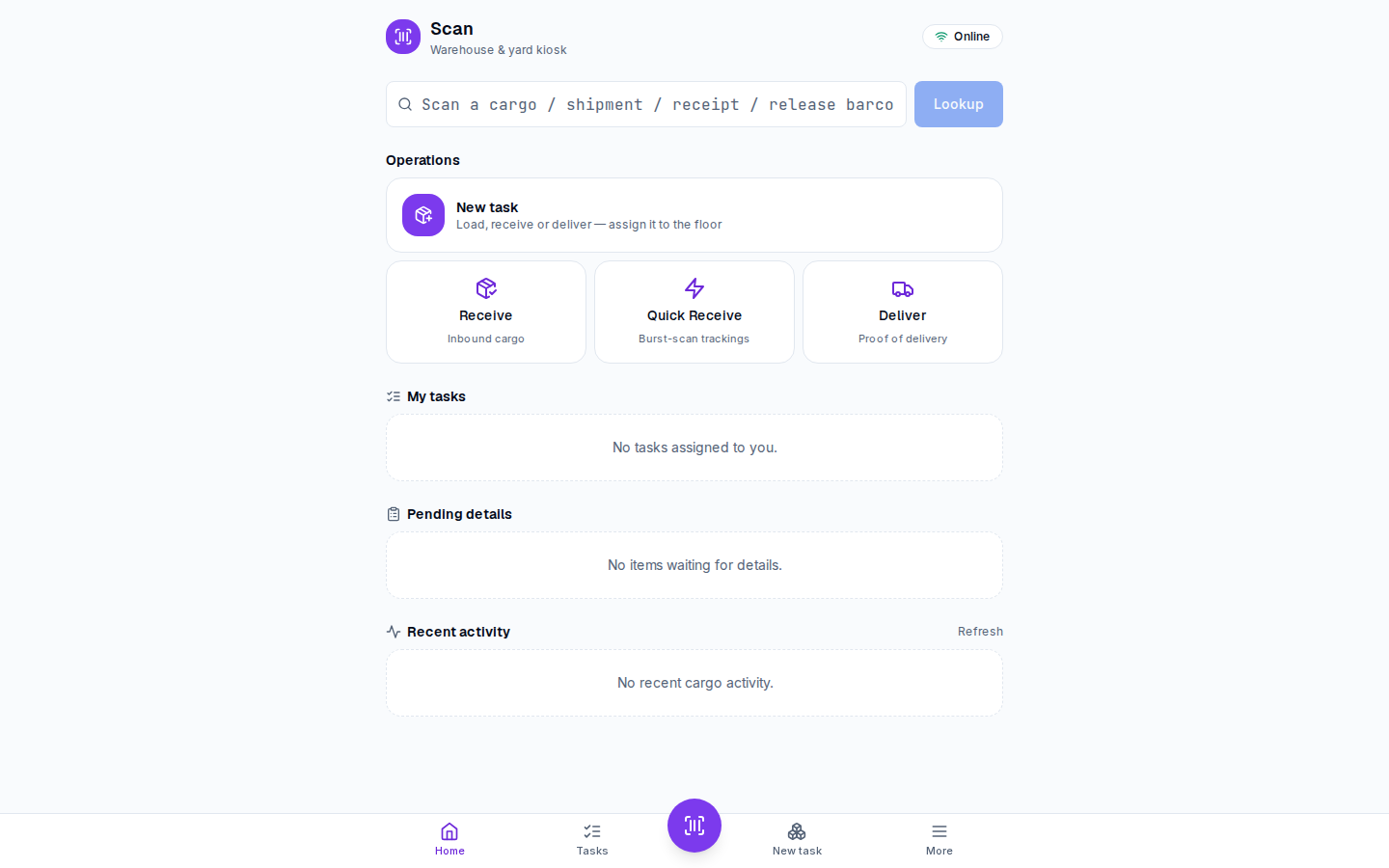
One box, the right action
Scan or type any barcode — cargo, shipment, receipt, or release — and the kiosk resolves it and offers the matching action:
- Receive the piece into a receipt.
- Pack or load a task.
- Verify an arrival.
- Capture a drawn-signature proof of delivery for a release.
The tracking number you enter on a receipt is what makes its cargo scannable here — see the receive cargo how-to.
What else is on the kiosk
- My tasks — the tasks assigned to you.
- Unassigned — the open task pool anyone on the floor can pick up.
- Pending details — fast receives (for example from Quick Receive) still waiting for their full data capture.
- A live Recent activity feed of what just happened on the floor.
Tips
- Pair Scan with Quick Receive on the Receipts page: scan the barcodes at the dock now, complete the details at a desk later.
- Everything the kiosk does lands on the same receipts, inventory, and releases you see in the rest of the Warehouse module — there is no separate "scan data".