Custom Ports
Create ports private to your organization — a terminal or inland point not in the global UN/LOCODE catalog — that only your org sees and automations ignore.
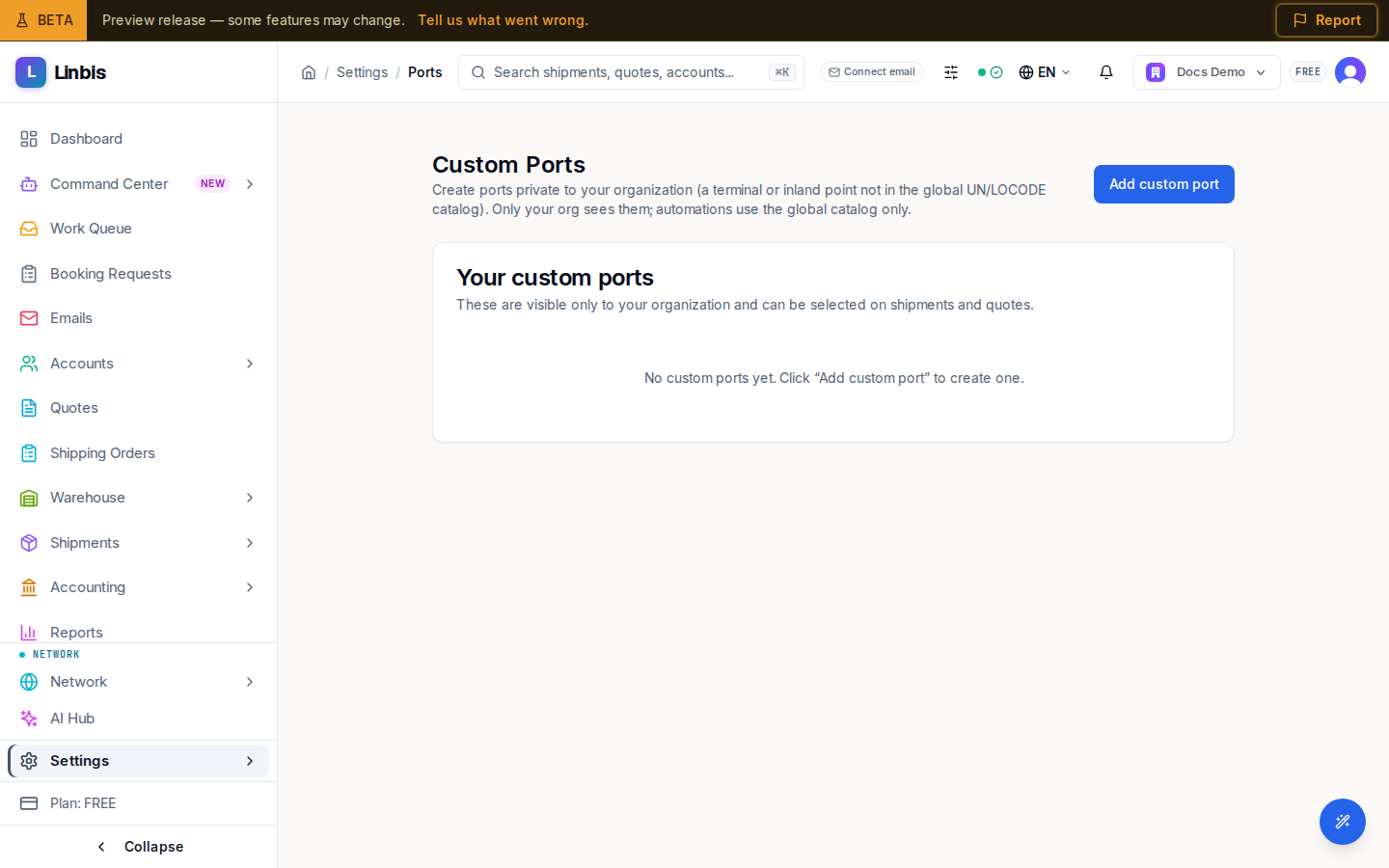
Custom Ports (/settings/ports) lets you "Create ports private to your organization (a terminal
or inland point not in the global UN/LOCODE catalog)." Only your org sees them, and — importantly —
"automations use the global catalog only," so a custom port never interferes with rate lookups or
agent matching.
Your custom ports
The table lists each port's Name, Country, City, Type, and Status (Active or Inactive), with Edit and Deactivate actions per row. "These are visible only to your organization and can be selected on shipments and quotes." An org with none shows "No custom ports yet."
Adding a port
Add custom port opens a dialog: Name (required), Country (required), a Type — OCEAN, AIR, INLAND, RAIL, or MULTIMODAL — and an optional City. Deactivating a port keeps history intact but removes it from the pickers on shipments and quotes.