Integrations
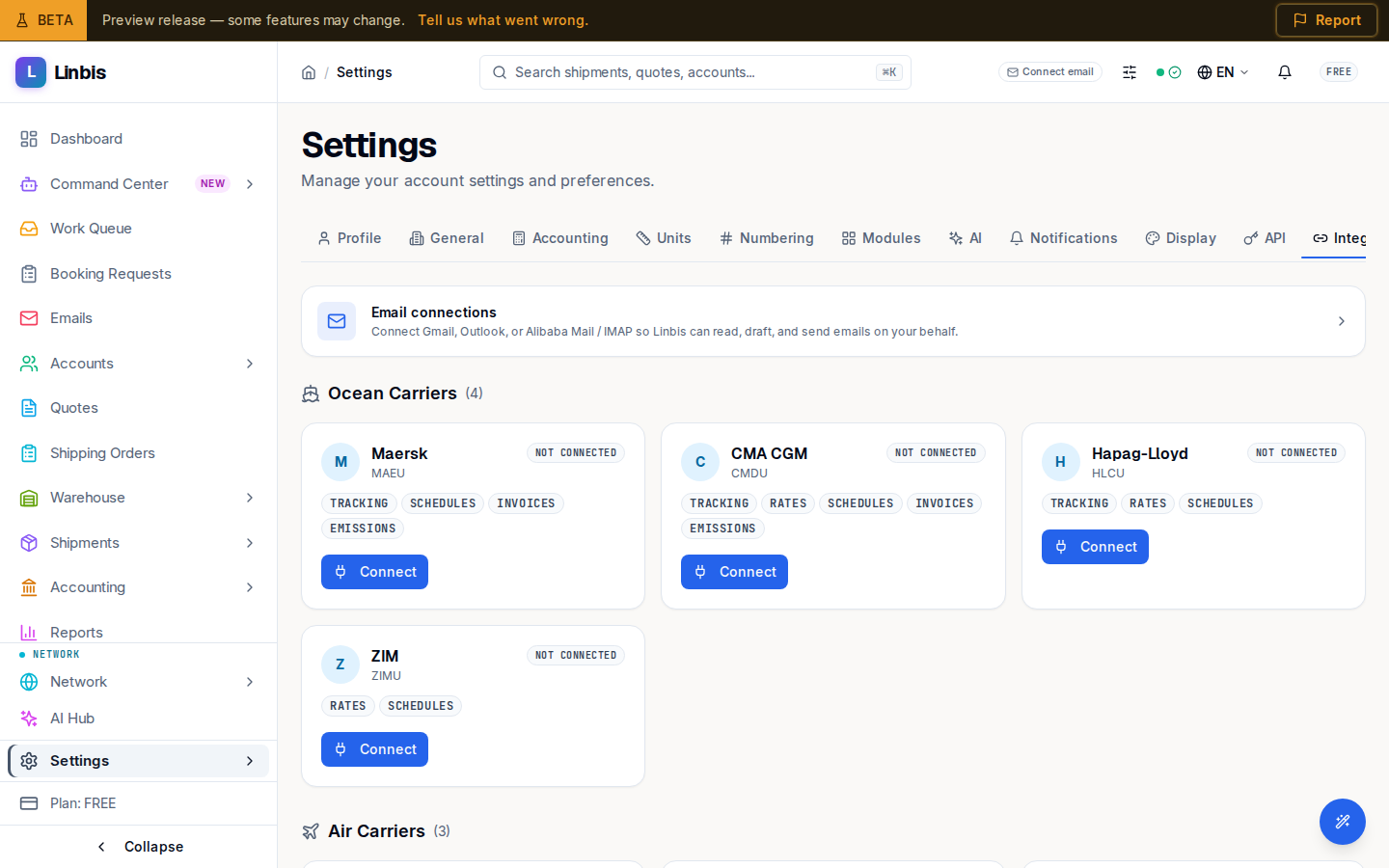
The connections tab of Settings — email connections (Gmail, Outlook, Alibaba Mail / IMAP), the carrier grid, and QuickBooks.
Integrations is the connections tab of Settings (/settings?tab=integrations). It's where
Linbis links to the outside services your workflow depends on — email, carriers, and accounting.
Email connections
The Email connections card leads to the full connection surface: "Connect Gmail, Outlook, or Alibaba Mail / IMAP so Linbis can read, draft, and send emails on your behalf." This is what powers the email agent, so connect at least one mailbox before relying on auto-processing.
Carriers and QuickBooks
Below email sits the carrier grid, where you connect the carriers you book with. QuickBooks connects here too — and it's required before you can post to it: the GL + QBO and QBO Only accounting modes note "Connect QuickBooks first in Settings > Integrations."