Status Flow
Customize the shipment status pipeline your team and customers see — scope by mode and operation type, reorder stages, and control auto-advance.
Status Flow (/settings/status-flow) customizes the status pipeline your team and customers
see while tracking a shipment: "Configure which stages your customer sees when tracking a shipment."
It maps directly onto the shipment status lifecycle — every stage
reports as one canonical status, so reporting stays comparable no matter how you rename things.
Scope and preview
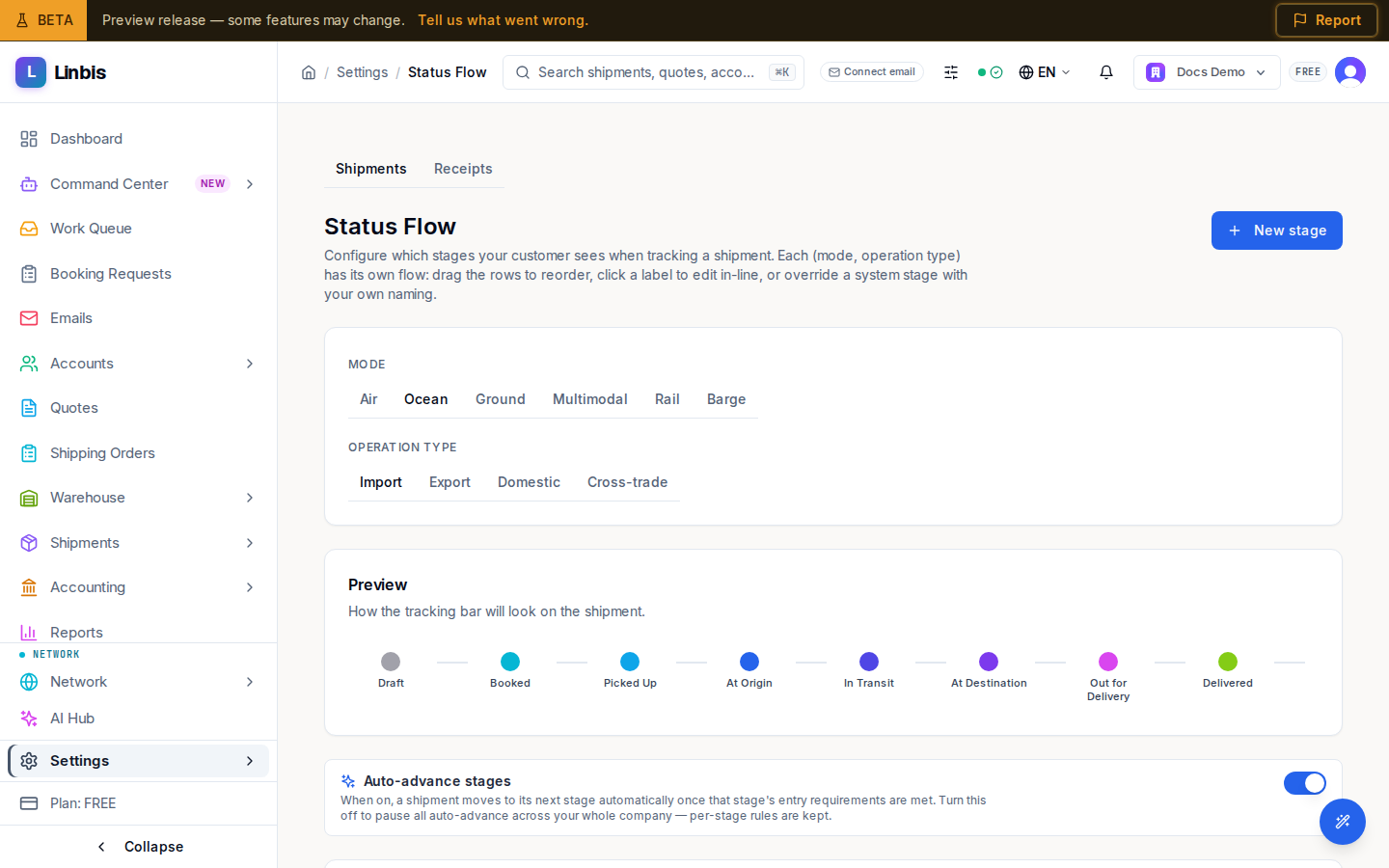
Tabs cover Shipments, Receipts, Releases, Quotes, Shipping orders, and Opportunities — each record type keeps its own stage list. For shipments you pick a Mode (Air, Ocean, Ground, Multimodal, Rail, Barge) and an Operation type (Import, Export, Domestic, Cross-trade) — each combination has its own flow. A live Preview shows how the tracking bar will look to the customer.
What your customers see
Everything on this screen is your decision, and it reaches your customers directly. A stage you rename shows under your name everywhere a customer can look — the tracking link you share, and the customer portal they sign in to. Both show the same list of milestones, so a customer sees one consistent journey whichever link they follow.
Show on customer tracking bar is the only switch that hides a stage. Turn it off and the stage becomes operator-internal: a record can still sit on it, and your team still sees it, but it never appears to a customer. Turn it on for a stage you added yourself — say a "Sailing" step inside In Transit — and customers see that step as its own milestone, named the way you named it.
Two things behave deliberately, so they don't surprise you:
- A stage you add inside a phase appears as its own milestone; it does not rename the phase around it. Records that never entered your stage keep the phase's own name.
- Cancelled only appears once a record is actually cancelled — never as an upcoming step on a healthy shipment.
Editing stages
Drag rows to reorder, click a label to rename it in-line, or override a system stage with your own wording. New stage adds a tenant stage — a Code (UPPER_SNAKE), a label, its Canonical phase, and whether to Show on customer tracking bar (off = operator-internal). Auto-advance stages is the company-wide switch: when on, a shipment moves forward automatically once a stage's entry requirements are met.