Accounting
Agent Directory
The Agents list — overseas and domestic agents with type, currency, credit limit, commission rates, and status.
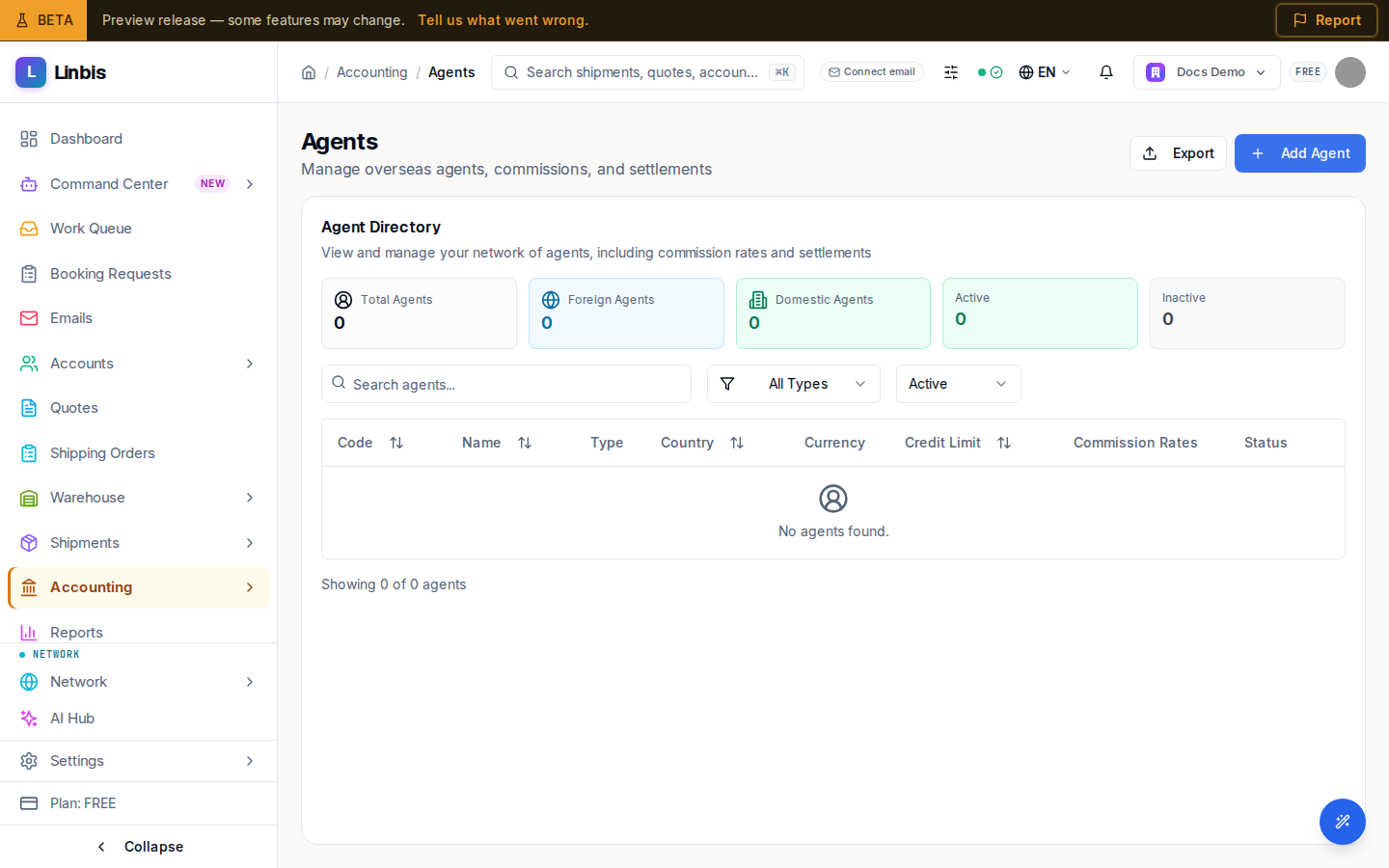
Accounting → Agents & Commissions → Agent Directory opens the Agents page ("Manage overseas agents, commissions, and settlements"), whose main card is the Agent Directory — "View and manage your network of agents, including commission rates and settlements."
Columns
Code, Name, Type, Country, Currency, Credit Limit, Commission Rates, and Status. The Code links to the agent's detail page.
Filters
- Search with "Search agents...".
- Type — All Types, Foreign Agent, Domestic Agent, Intercompany, Coloader, Cartage Agent.
- Status — All Status, Active, Inactive.
Actions
- Header: Add Agent opens the agent form, plus Export.
- Row: Edit the agent, or Deactivate an active one (agents are deactivated, not deleted).
Opening an agent shows its detail page, where its commission rates and settlement history live. Settlements themselves are created from Settlements.