Unbilled Charges (AP)
The AP batch queue — expense charges on shipments that no vendor bill covers yet, grouped by vendor.
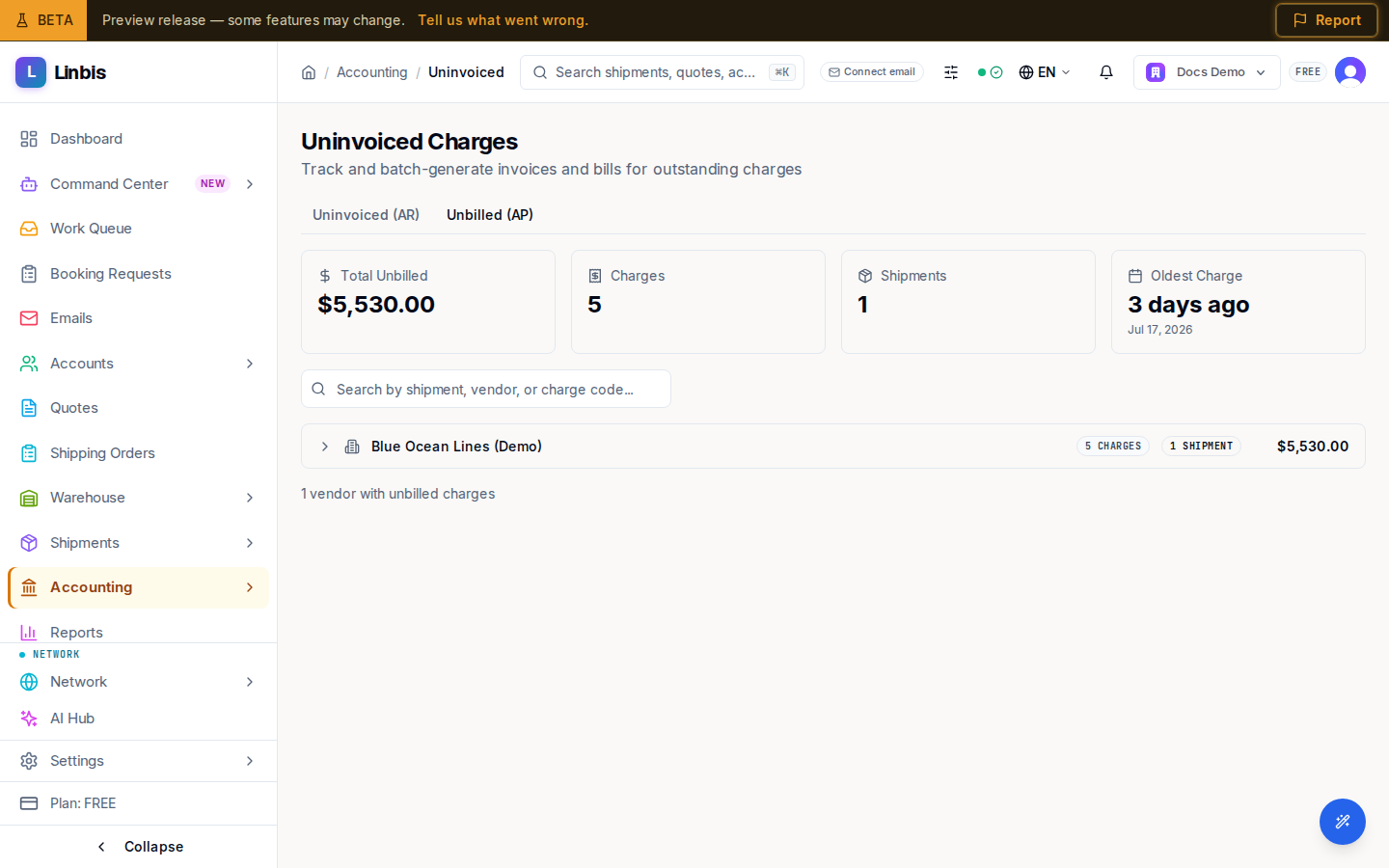
Accounting → Payables → Unbilled Charges opens the Unbilled (AP) tab of the Uninvoiced Charges page — every expense charge on your shipments that no vendor bill covers yet. Costs you have committed to but not yet booked as payables live here until you turn them into bills.
The sibling tab, Uninvoiced (AR), is the income side — see Uninvoiced Charges.
Layout
- Summary cards: Total Unbilled, Charges, Shipments, Oldest Charge.
- Search: "Search by shipment, vendor, or charge code...".
- Charges are grouped by vendor; expand a group to see and tick individual charges.
Actions
Tick charges (or a whole vendor group) and the Generate Bill button appears with the selection count. Confirming creates draft bill(s) from the selected charges — one per vendor and currency — which then continue through the approve/post flow on Bills (AP).
When the queue is empty the page reads "All charges have been billed!".