Periods
Accounting Periods — manage fiscal periods, close and lock them, and review each period's activity summary.
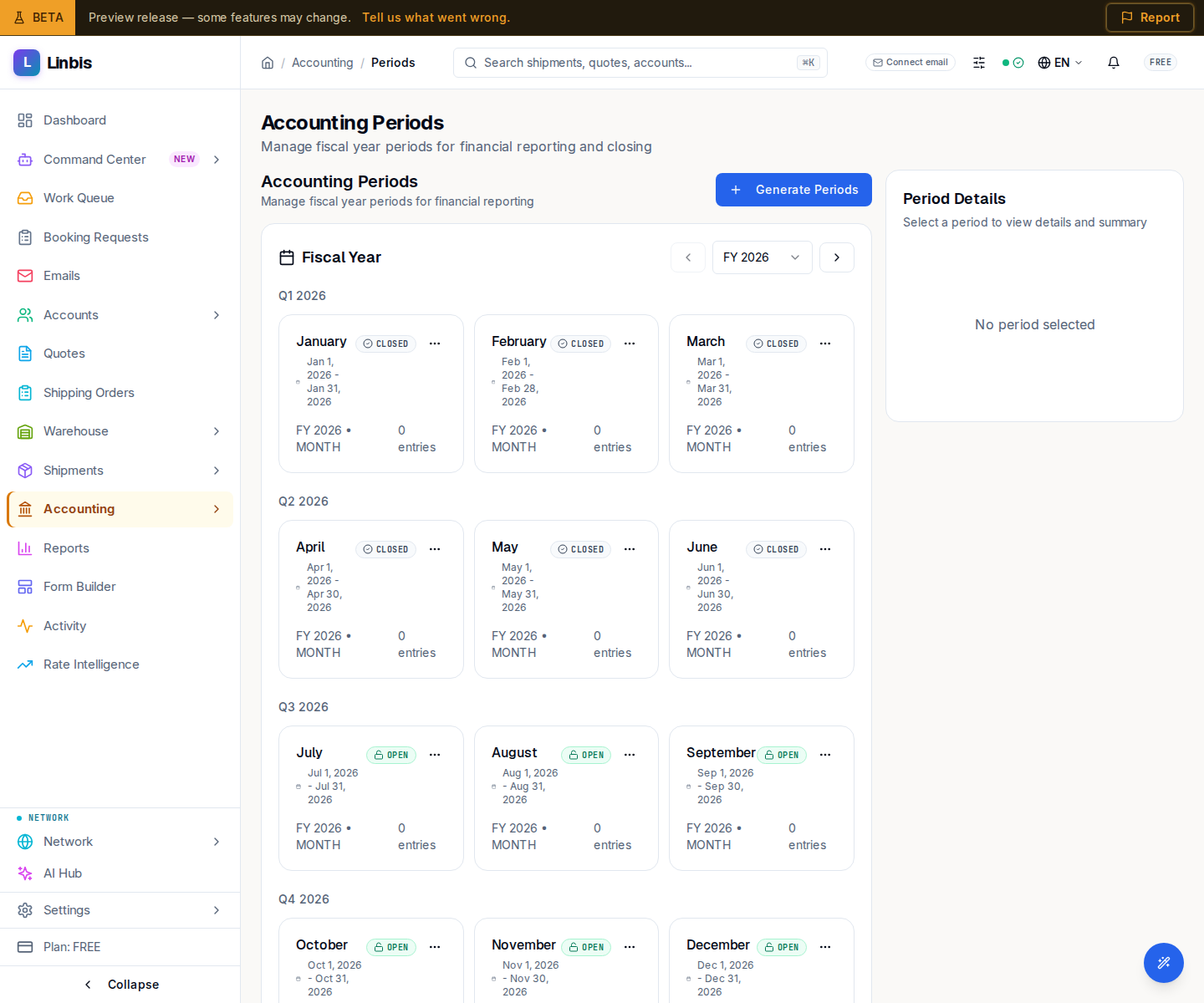
Accounting → Settings → Periods opens Accounting Periods ("Manage fiscal year periods for financial reporting and closing"). Postings require an open period, so this is where you open, close, and lock the fiscal calendar. The page is split: the period list on the left, a Period Details panel on the right.
Statuses
A period is FUTURE, OPEN, SOFT_CLOSE, CLOSED, or LOCKED.
Actions
- Generate Accounting Periods builds a fiscal calendar from a Fiscal Year, Period Type, and Fiscal Year Start Month.
- Close Period ("Run balance validation checks") closes an open period.
- Lock Period finalizes it — "Cannot be reopened or modified."
Period Details
Selecting a period shows its Period Dates (Start and End) and an Activity Summary with two tabs: Overview (Total Entries, Total Debits, Total Credits, and a Balance Check reading Balanced or Unbalanced) and By Type (per account type). Closure information appears once a period is closed.