Accounting
Credit Memos (AR)
Customer credit memos — create credits, post them, and apply them against open invoices.
Accounting → Receivables → Credit Memos lists customer credits ("Manage customer credit memos and apply to invoices"). A credit memo reduces what a customer owes — for a billing error, a returned service, or a goodwill discount — and is applied against that customer's open invoices.
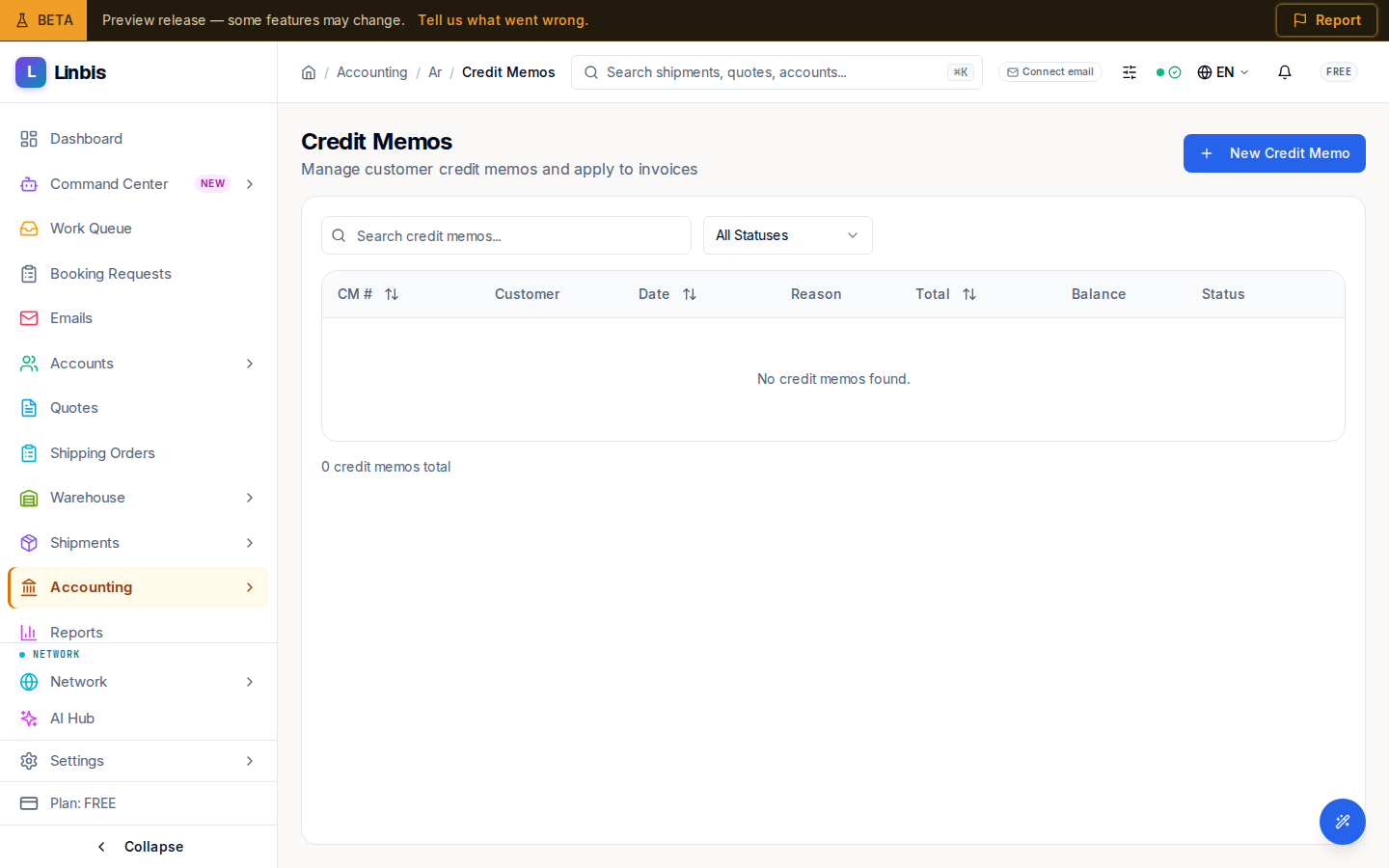
Columns
CM #, Customer, Date, Reason, Total, Balance (the unapplied remainder, highlighted while positive), Status. Search with "Search credit memos..." or filter by status.
Statuses
Draft → Posted → Partially Applied → Fully Applied, or Void.
Actions
- Header: New Credit Memo opens the create sheet.
- Row menu: Post (drafts), Apply to Invoices (posted memos with balance — pick which open invoices absorb the credit), Delete (drafts), Void.
A posted credit memo does not touch any invoice until you apply it; the Balance column tracks how much credit is still unused.