Accounting
Bills (AP)
The AP Bills list — every vendor bill with aging, approval, post/void actions, and QuickBooks sync state.
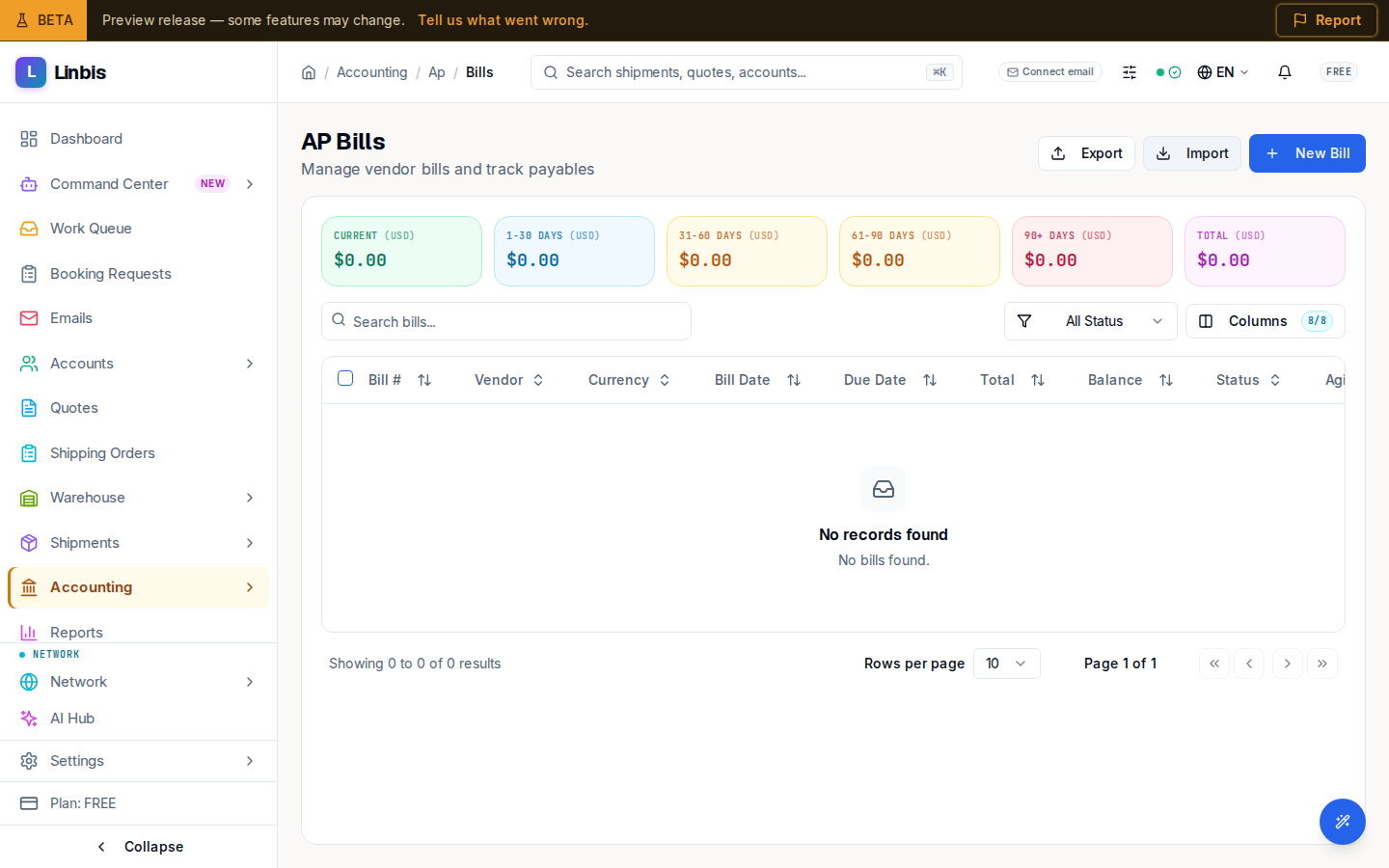
Accounting → Payables → Bills is the vendor-bill list ("Manage vendor bills and track payables") — the payable mirror of Invoices (AR). Every cost a vendor charges you lands here before it gets paid.
Columns
Bill #, Vendor, Currency, Bill Date, Due Date, Total, Balance, Status, Aging — plus a QuickBooks column when the integration is connected. Filter by status or search the list.
Statuses
Draft → Pending Approval → Approved → Open (posted) → Partial → Paid, or Voided. Bills add an approval step that AR invoices don't have.
Actions
- Header: New Bill, plus Export / Import.
- Row menu: View Details, Approve, Post Bill, Download PDF, and Void Bill (the dialog asks for a reason and warns "This action cannot be undone").
- Bulk: select rows and Post Selected.
Paying posted bills happens in AP Payments; charges that have no bill yet queue up in Unbilled Charges.