Bank Accounts
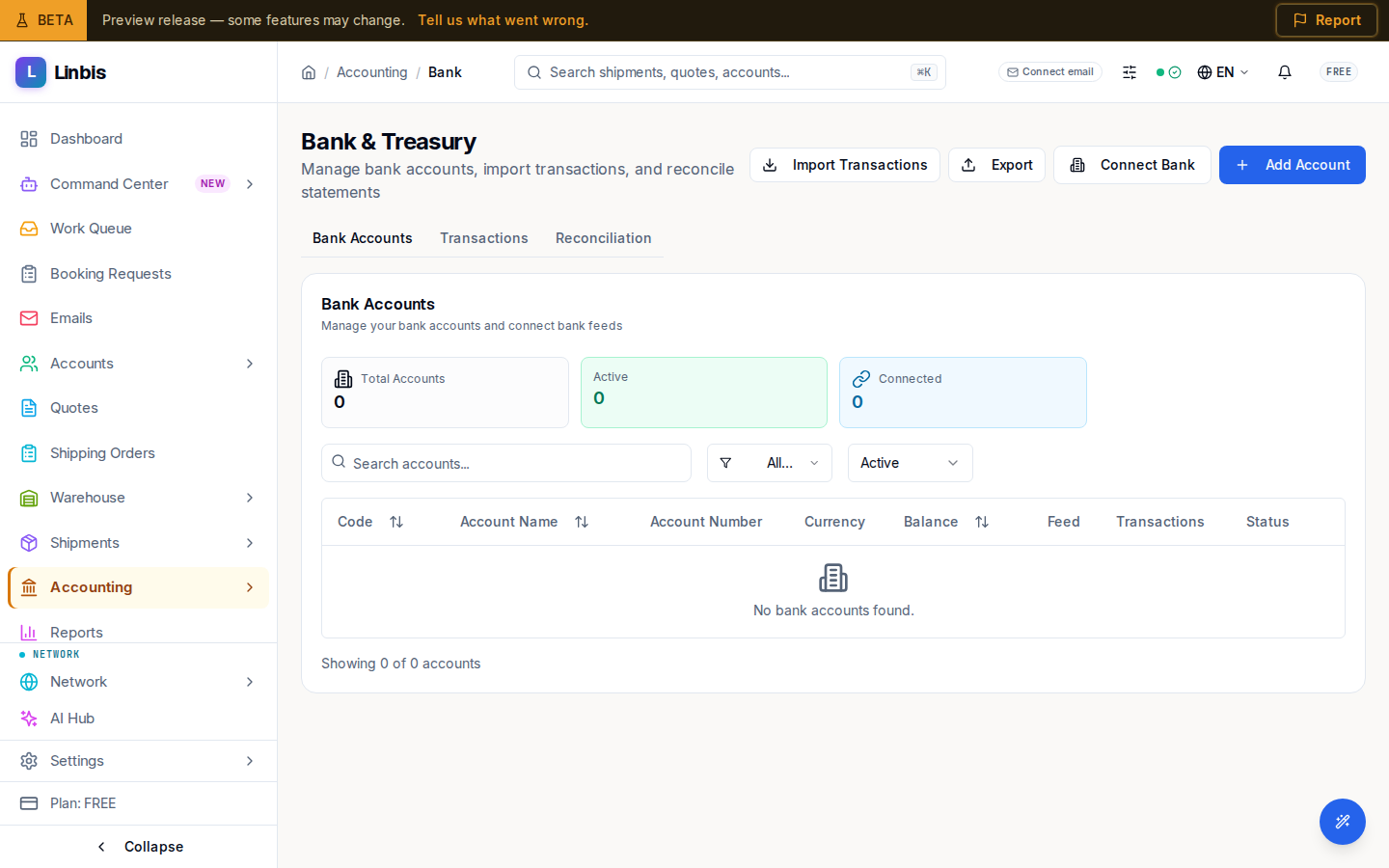
The Bank & Treasury screen — manage bank accounts, connect feeds, import transactions, and reconcile.
Accounting → Treasury → Bank Accounts opens the Bank & Treasury page ("Manage bank accounts, import transactions, and reconcile statements"). It has three tabs: Bank Accounts, Transactions, and Reconciliation.
Bank Accounts tab
The Bank Accounts card ("Manage your bank accounts and connect bank feeds") lists your accounts. Columns: Code, Name, Account Number, Currency, balance, Feed, Transactions, and Status. Filter with "Search accounts...", by Currency (All Currencies, USD, EUR, GBP), and by Status. Row actions: Edit, Deactivate, and Sync the bank feed (admins only — a non-admin sees "Only admins can sync bank feeds.").
Header actions
Import Transactions, Export, Connect Bank (starts the Plaid connect flow), and Add Account (opens the account form).
Transactions and Reconciliation tabs
Transactions is where imported bank lines get matched to invoices, bills, and payments — start by importing a CSV or connecting a bank feed. Reconciliation matches a bank statement's ending balance against your books; New Reconciliation begins one. Day-to-day matching happens on For Review.