Accounting
Bank Rules
Automatic matching rules for imported bank transactions — match on a field and operator, then apply an action by priority.
Accounting → Treasury → Bank Rules ("Manage automatic transaction matching rules") is where you teach Linbis to categorize recurring bank lines on its own, so they don't pile up on For Review.
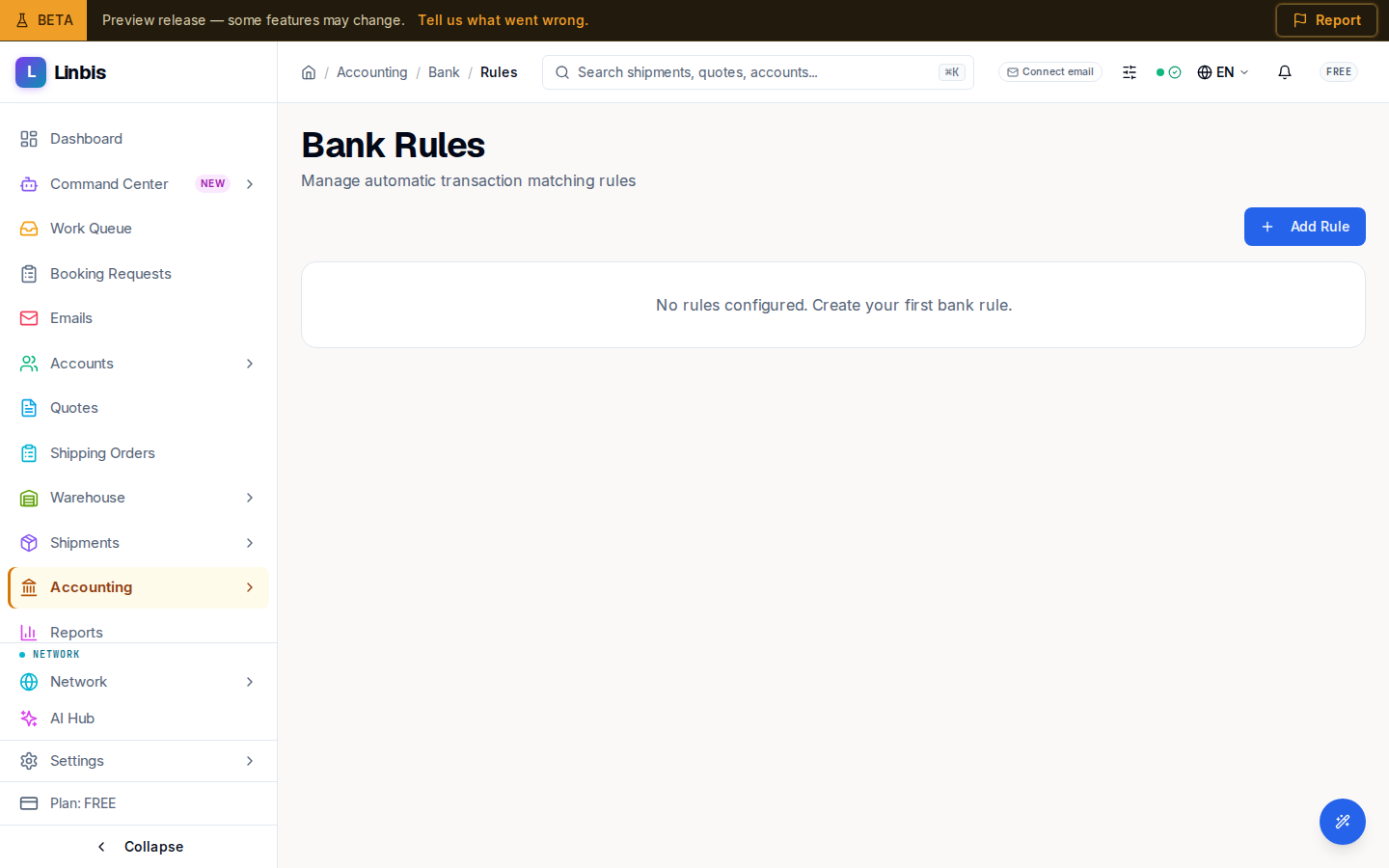
The rules table
Columns: Priority, Name, Match, Action, Status, and Actions. Rules run in priority order, so the first matching rule wins.
Defining a rule
Each rule has:
- Name ("Rule name") and an optional Description.
- Match Field, an Operator, and a Match Value ("Value to match") — with an upper bound for range operators.
- An Action to apply when a transaction matches.
- A Priority that orders it against other rules.
Managing rules
Add a rule from the form, then Delete Rule removes one (a confirmation guards it). A rule's Status shows whether it is active.