Currency & FX
Accounting Settings — set the functional currency, default document currency, and exchange-rate source, and view current rates.
Accounting → Settings → Currency & FX opens Accounting Settings ("Configure functional currency, default currencies, and exchange rate sources").
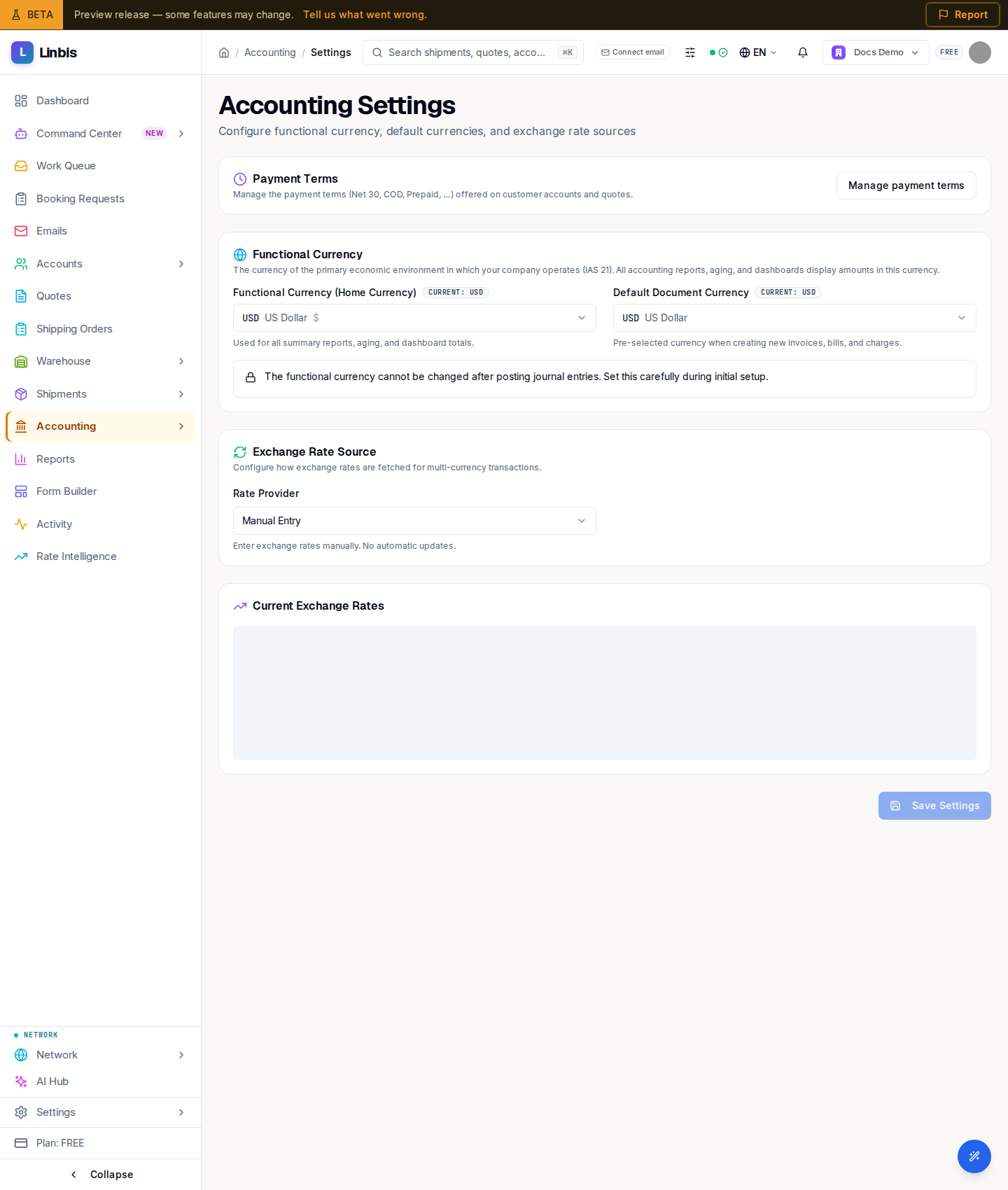
Functional Currency
Functional Currency (Home Currency) is the currency your reports, aging, and dashboards display in (IAS 21). Default Document Currency is pre-selected when creating new invoices, bills, and charges. A locked alert warns the functional currency "cannot be changed after posting journal entries" — set it carefully during setup.
Exchange Rate Source
Under Rate Provider, choose ECB (European Central Bank) (free) or Open Exchange Rates (which needs an API Key). This controls how rates are fetched for multi-currency transactions.
Current Exchange Rates
A Current Exchange Rates table lists Currency, Base, Rate, Source, and Effective Date, with Update Now to refresh and a Last Updated timestamp. Rates update automatically Monday-Friday at 4:00 PM CET (after the ECB publishes).
Payment Terms
A shortcut card links to Payment Terms (Net 30, COD, Prepaid) under Settings — the terms offered on customer accounts and quotes.