Journal Entries
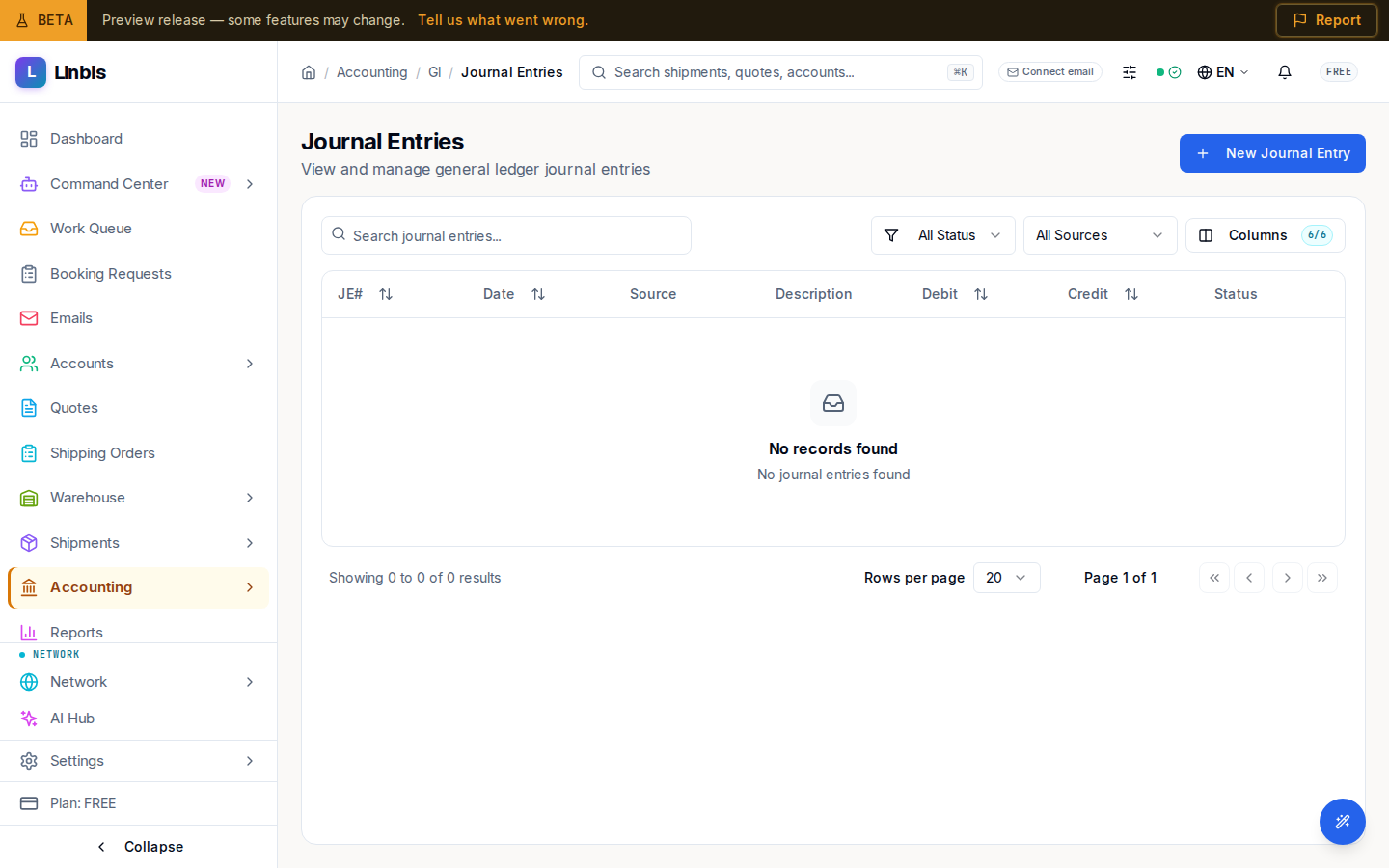
The general ledger journal — every posting, manual or system-generated, with debits, credits, and sources.
Accounting → General Ledger → Journal Entries is the ledger's journal ("View and manage general ledger journal entries"). Every posting lives here — the entries Linbis generates automatically when you post invoices, bills, and payments, plus any manual adjustments you write yourself.
Columns
JE#, Date, Source, Description, Debit, Credit, Status.
Filters
- Status: All Status, Draft, Pending Approval, Approved, Posted, Reversed.
- Source: All Sources, Manual, AR Invoice, AP Bill, AR Payment, AP Payment — so you can isolate hand-written adjustments from system postings.
Actions
New Journal Entry opens the entry sheet ("Create a manual journal entry. Debits must equal credits."): pick the Date and an open Period, write a Description, then add lines with an account and a debit or credit amount. An unbalanced entry is rejected ("Debits must equal credits"). Posting requires an open accounting period.
System-generated entries are traceable back to their source document via the Source column; correct them by voiding/adjusting the source document, not by editing the ledger directly.
Entry detail and reversing
Opening an entry shows its detail page — stacked sections for Entry Details (period, reference, currency, exchange rate, description), Line Items (each line's account, memo, debit, and credit, with a Totals row), an Audit Trail, and, when the entry is part of a reversal, a Reversal Chain ("This entry reverses …" / "Reversed by …").
- Post appears on a Draft or Pending Approval entry and posts it to the ledger.
- Reverse appears on a Posted entry that has not already been reversed. The Reverse Journal Entry dialog confirms "A new reversing entry will be created" — reversing does not erase the original; it books an equal-and-opposite entry, and both stay in the ledger linked through the reversal chain.