Trial Balance
The Trial Balance report — every account's debit, credit, and net balance as of a date, with an out-of-balance check.
Accounting → General Ledger → Trial Balance opens the Financial Reports page on its Trial Balance tab ("All account balances as of a specific date"). The same page also holds the Balance Sheet, Income Statement, Aged AR, Aged AP, GL Detail, AR Invoice List, and AP Bill List tabs.
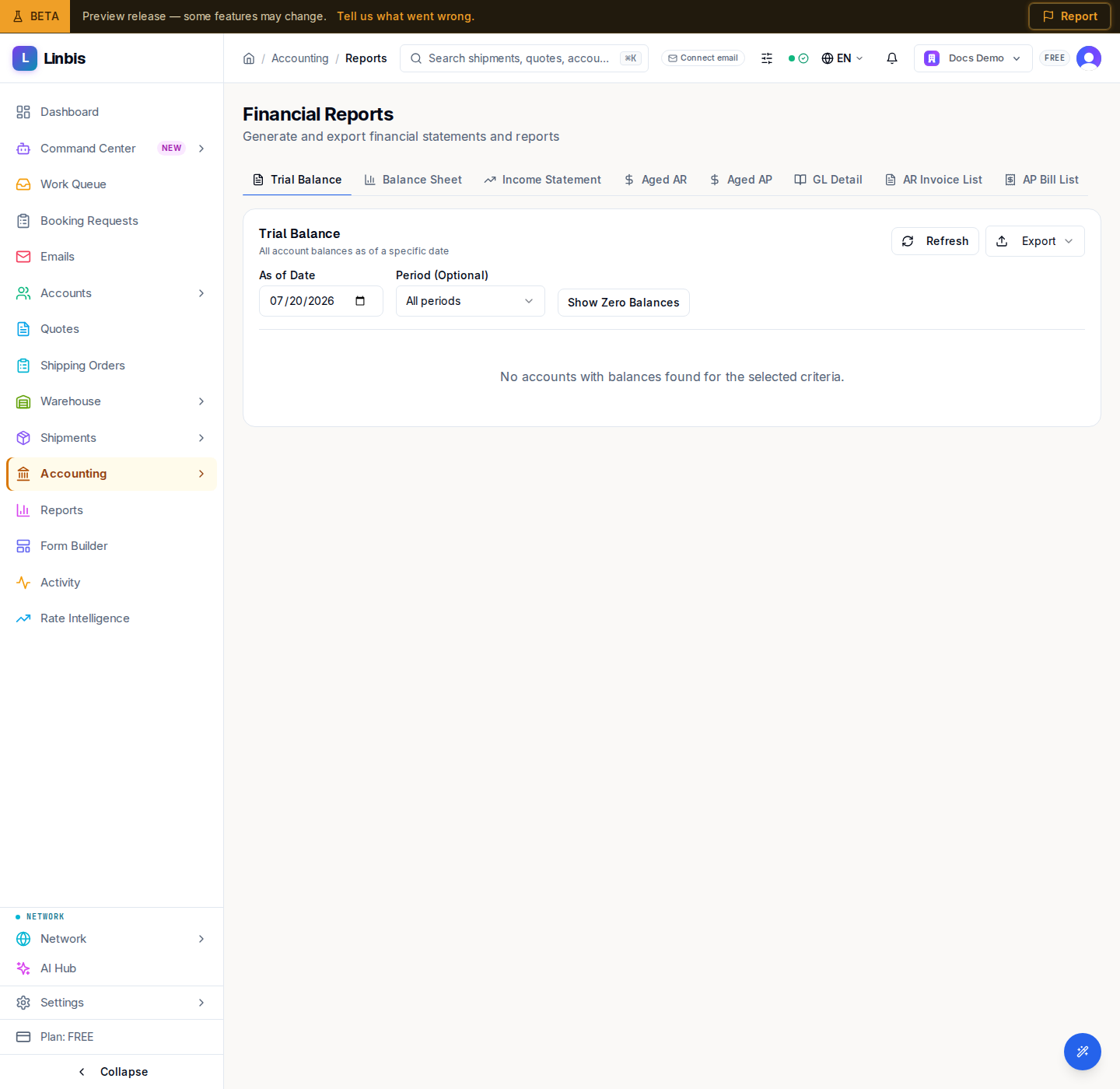
Filters
- As of Date — the cutoff; balances are calculated through this day.
- Period (Optional) — scope to one open period, or leave on All periods.
- Show / Hide Zero Balances — toggle accounts whose balance is zero.
Columns
Account #, Account Name, Type, Debit, Credit, and Net Balance. Below the table, a totals box sums Total Debits and Total Credits — in a healthy ledger they match.
Balance check
When debits and credits do not agree, a red alert reads "Trial balance is out of balance by … Please review journal entries." Track the difference back through Journal Entries, since every posting must be balanced.
Actions
Refresh re-runs the report, and Export downloads it (the export dropdown offers the report in its available formats).