Accounting
Tax Codes
The Tax Codes catalog — reusable tax rates that products, services, and charges reference on invoices and bills.
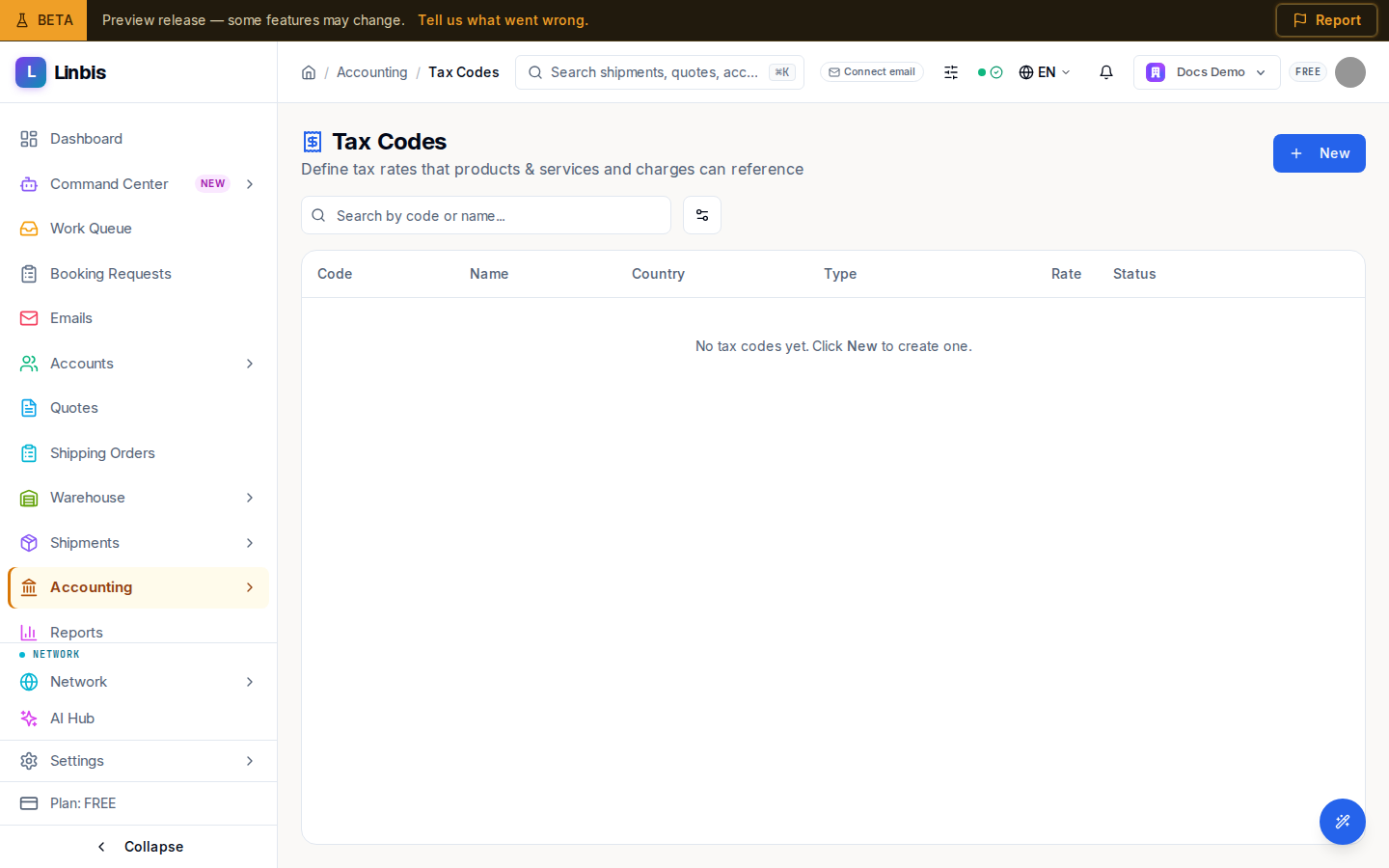
Accounting → Settings → Tax Codes is the tax-rate catalog — "Define tax rates that products & services and charges can reference." Once defined, a tax code can be attached to a charge so the right tax is applied automatically on invoices and bills.
Columns
Code, Name, Country, Type, Rate (shown as a percentage), and Status. Search with "Search by code or name...", and toggle Include inactive codes under View Options. When the catalog is empty it reads "No tax codes yet. Click New to create one."
Actions
- New opens the tax-code form (code, name, country, type, rate).
- Each row has an Edit (pencil) and an activate/deactivate toggle — a code marked Inactive is dimmed and hidden unless you include inactive codes.
Tax codes are deactivated rather than deleted, so documents that already reference them keep their tax intact.