CASS
CASS Reconciliation — import airline CASS billing files, auto-match lines to shipments, reconcile, and approve.
Accounting → Agents & Commissions → CASS opens CASS Reconciliation ("Import and reconcile CASS billing files from airlines"). CASS is IATA's Cargo Accounts Settlement System; this screen matches airline billing against your air shipments. It has two tabs: Settlements and Disputes.
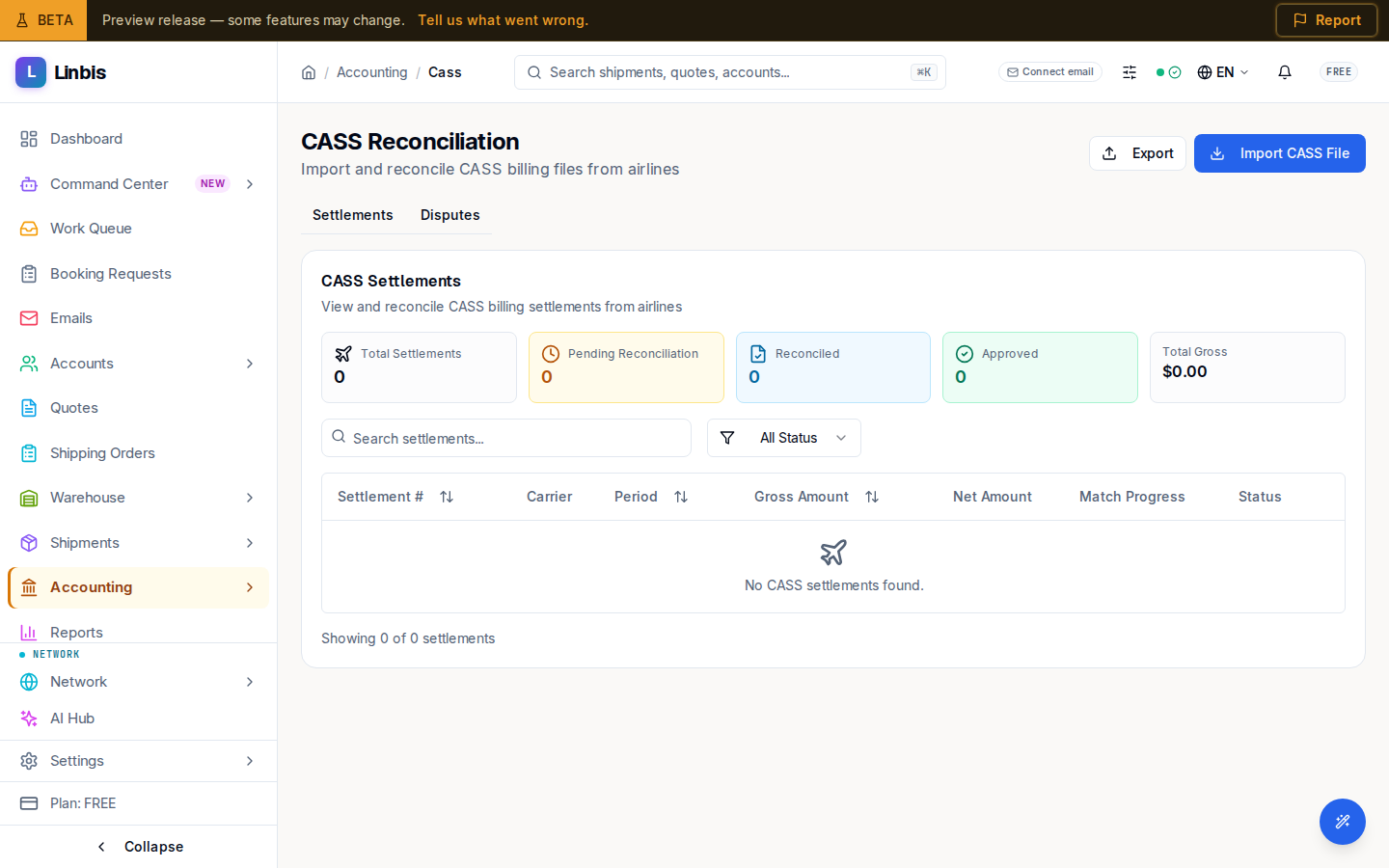
Settlements
The CASS Settlements card ("View and reconcile CASS billing settlements from airlines") lists each imported file. Columns: Settlement #, Carrier, the period end, gross, Net Amount, Match Progress, and Status (Imported, In Progress, Reconciled, Approved, Paid). Row actions: Reconcile (auto-matches lines to shipments and reports how many matched and how many remain), Approve, and Void.
Importing
Import CASS File opens a dialog that accepts CSV or XML — "Standard IATA CASS billing format with AWB, gross, commission, and net amounts." Export downloads the list.
Disputes
The Disputes tab manages ADM (Agency Debit Memo) and ACM (Agency Credit Memo) disputes with airlines, tracking resolution status and supporting documentation.