Uninvoiced Charges
The AR batch-invoicing queue — income charges on shipments that no invoice covers yet, grouped by customer.
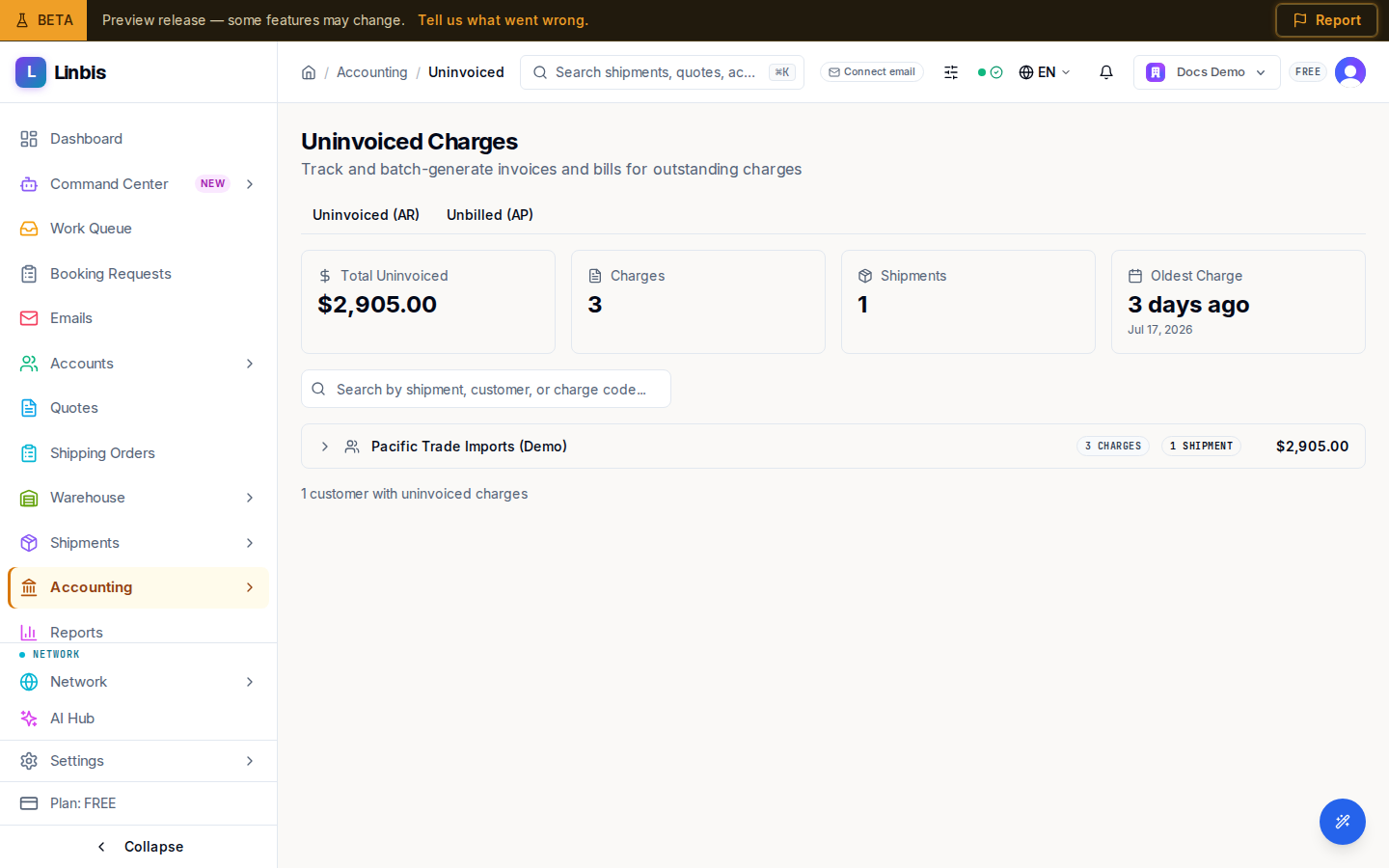
Accounting → Receivables → Uninvoiced Charges is the batch invoicing queue ("Track and batch-generate invoices and bills for outstanding charges"). It shows every income charge on your shipments that no invoice covers yet — money you've earned but not yet billed.
The page has two tabs: Uninvoiced (AR) (this one) and Unbilled (AP) — the payable mirror, documented at Unbilled Charges.
Layout
- Summary cards: Total Uninvoiced, Charges, Shipments, Oldest Charge.
- Search: "Search by shipment, customer, or charge code...".
- Charges are grouped by customer; expand a group to see and tick individual charges.
Actions
Tick charges (or a whole customer group) and the Generate Invoice button appears with the selection count. Confirming creates draft invoice(s) from the selected charges — one per customer and currency. The full walkthrough is Issue an invoice from charges.
When the queue is empty the page celebrates: "All charges have been invoiced!".