Payments
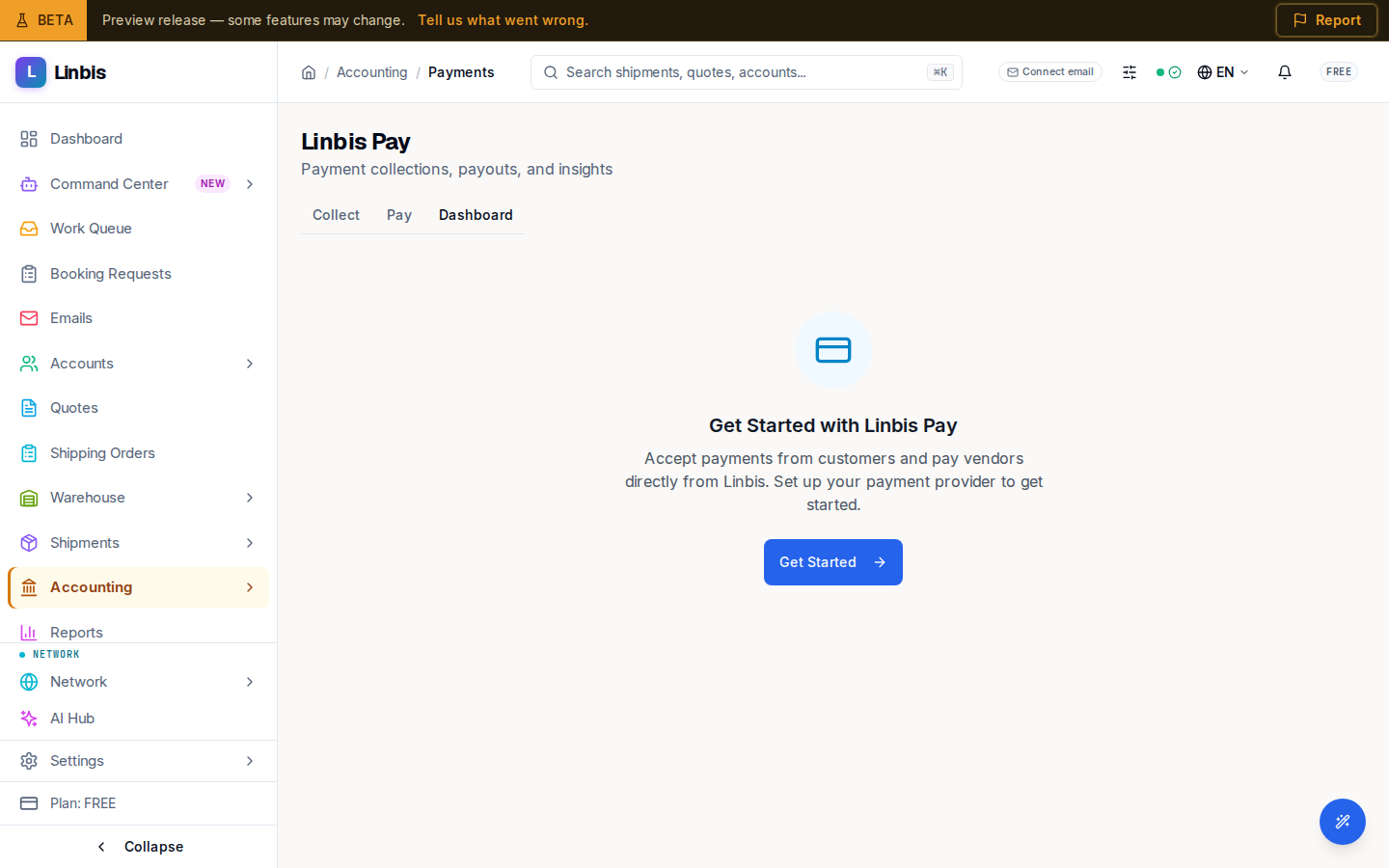
The Linbis Pay dashboard — collections, payouts, and KPIs, with Collect and Pay tabs and an aging chart.
Accounting → Treasury → Payments opens Linbis Pay ("Payment collections, payouts, and insights") — the online-payment hub for collecting from customers and paying vendors. Three tabs sit across the top: Collect, Pay, and Dashboard (the default).
Dashboard
The Dashboard shows a KPI row — Total Collected, Total Paid Out, Average DSO, Outstanding AR, Collection Rate, and AI Predicted — each with a trend, above an aging chart of the receivable.
Getting started
Until a payment provider is set up, the screen shows "Get Started with Linbis Pay" ("Accept payments from customers and pay vendors directly from Linbis") with a Get Started button that opens onboarding. Once configured but with no activity yet, it reads "No payment activity yet" and offers Create Payment Link.
Collect and Pay
Collect is where you create the payment links customers use to pay online (the alternative to the manual Record a payment flow); Pay handles outgoing payouts to vendors.