For Review
The bank For Review queue — imported bank transactions awaiting a match to an invoice, bill, or payment.
Accounting → Treasury → For Review is the "Review and match bank transactions" queue — imported bank lines that still need to be tied to a record in Linbis. It works like the QuickBooks "For Review" tab: each bank line is either matched to an existing document or excluded.
What you see
Each pending transaction shows its Match Suggestions — the invoices, bills, or payments Linbis thinks it corresponds to. For each line you can:
- Match — confirm the suggested AR or AP document, clearing the line.
- Exclude — drop a line that should not post (for example a duplicate or an internal transfer).
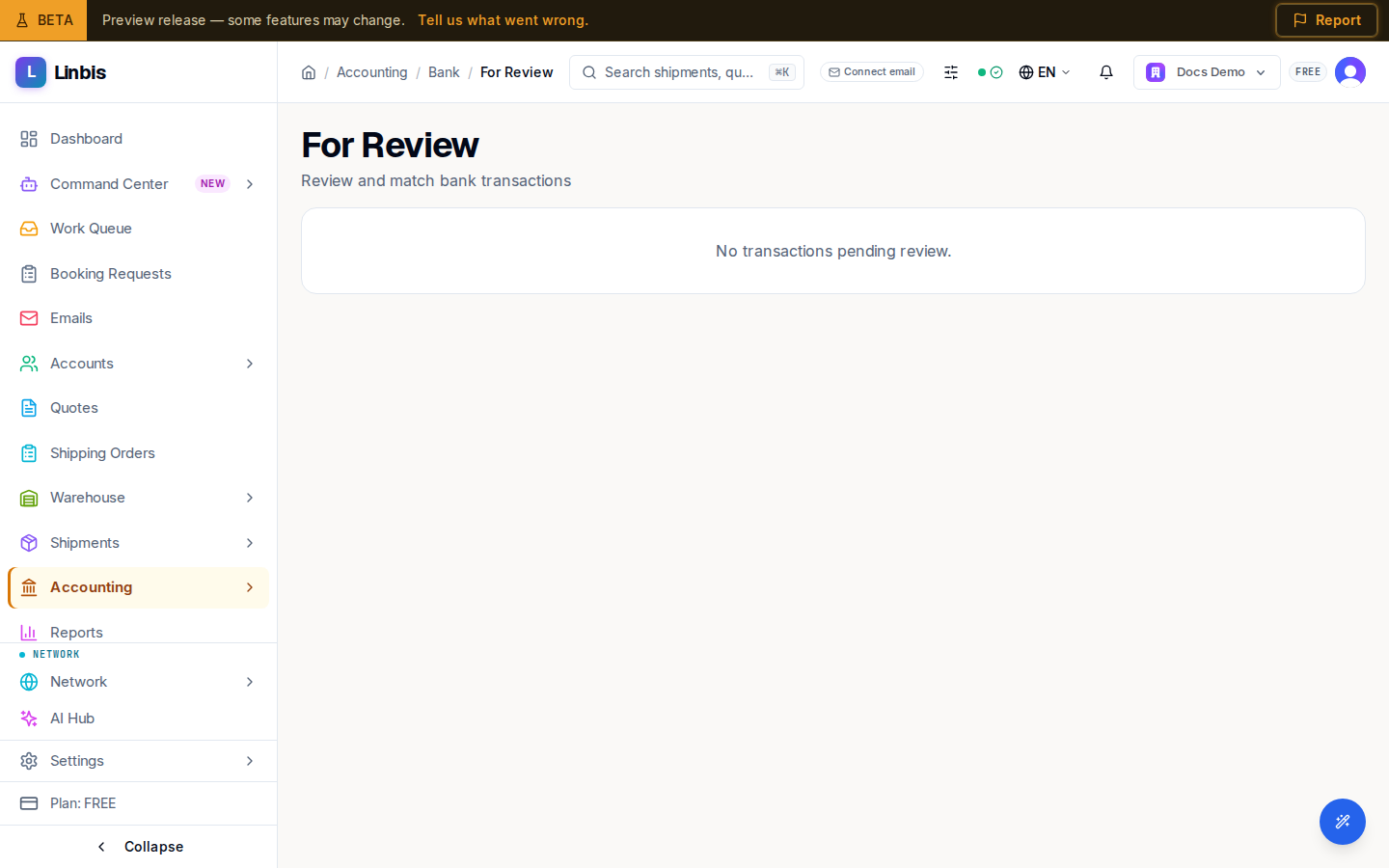
When nothing is pending, the screen reads "No transactions pending review."
How lines get here
Transactions arrive by importing a bank statement (CSV) or through a connected bank feed on Bank Accounts. To automate the matching, define Bank Rules so recurring lines match themselves.