Accounting
Integrations
External Integrations — connect bank feeds (Plaid, Belvo), accounting software (QuickBooks, Xero), and exchange-rate providers.
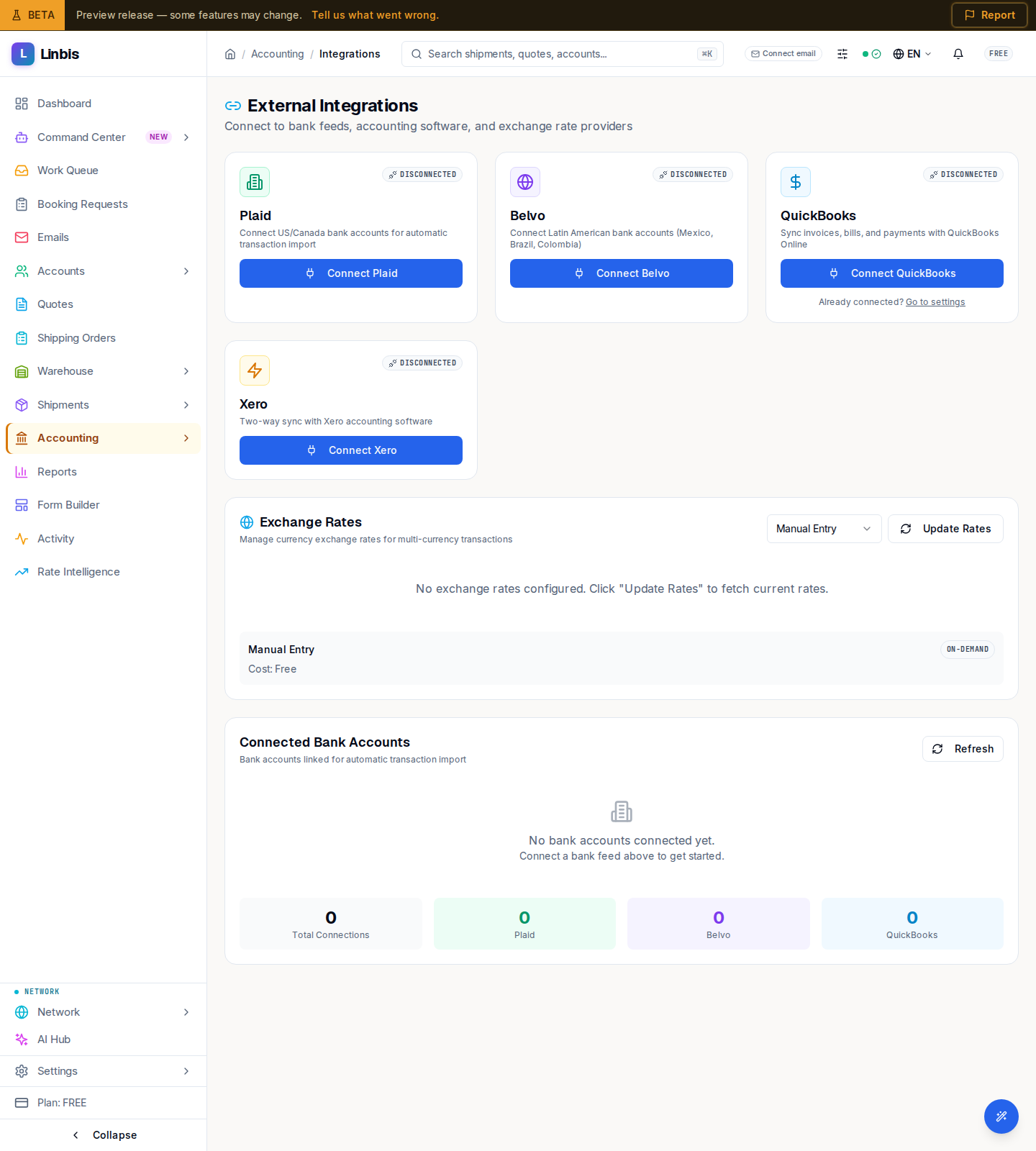
Accounting → Settings → Integrations opens External Integrations ("Connect to bank feeds, accounting software, and exchange rate providers"). Each integration is a card you connect from.
Integration cards
- Plaid — "Connect US/Canada bank accounts for automatic transaction import."
- Belvo — "Connect Latin American bank accounts (Mexico, Brazil, Colombia)."
- QuickBooks — accounting sync, via its own OAuth flow and config page.
- Xero — "Two-way sync with Xero accounting software."
Connecting a bank feed prompts you to choose which bank account it maps to ("Choose a bank account...").
Exchange Rates
An exchange-rates section lists the current rates (Currency, Rate, Source, Effective Date) — the same feed configured under Currency & FX.
Connected Bank Accounts
A Connected Bank Accounts table shows each linked account with Institution, Provider, Status, and Last Sync, above a Total Connections count broken down by Plaid, Belvo, and QuickBooks.