Accounting
AR Payments
The customer payments list and the Receive Payment flow — capture money in and allocate it to open invoices.
Accounting → Receivables → AR Payments lists every customer payment ("Manage accounts receivable payments"). This is where money in gets captured and applied to invoices.
Columns
Payment #, Date, Method, Reference, Invoice (the invoice(s) the payment was
applied to — a +N marker when it covered several), Amount, Applied, Unapplied,
Status. Search with "Search payments..." or filter by status.
Statuses
Received → Deposited → Cleared, plus Returned and Void.
Actions
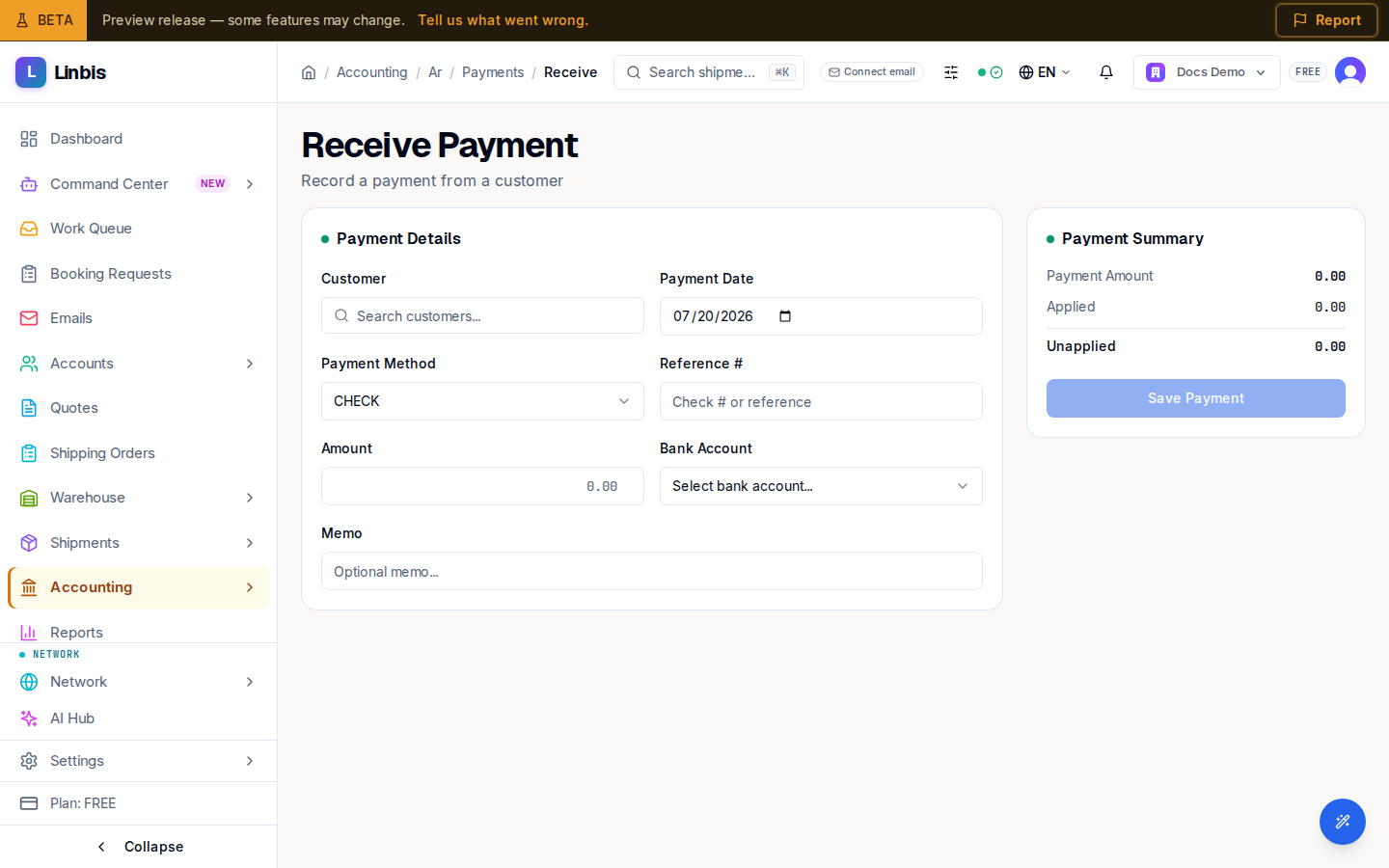
- Header: Receive Payment opens the payment form — Payment Details (Customer, Payment Date, Payment Method, Reference #, Amount, Bank Account, Memo), Invoice Allocations with Auto-apply (FIFO), and the Payment Summary. The full walkthrough is Record a payment against an invoice.
- Row menu: View Details and Void Payment.
An Unapplied amount greater than zero means part of the payment is still sitting as credit — open the payment to allocate the remainder.