AI Inbox
The AI Document Inbox — upload invoices, bills, and receipts for AI parsing and GL coding suggestions.
Accounting → AI Automation → AI Inbox opens the AI Document Inbox ("Upload documents for AI-powered parsing and GL coding suggestions"). Drop a vendor bill, invoice, or receipt and the AI extracts its fields and proposes how to code it.
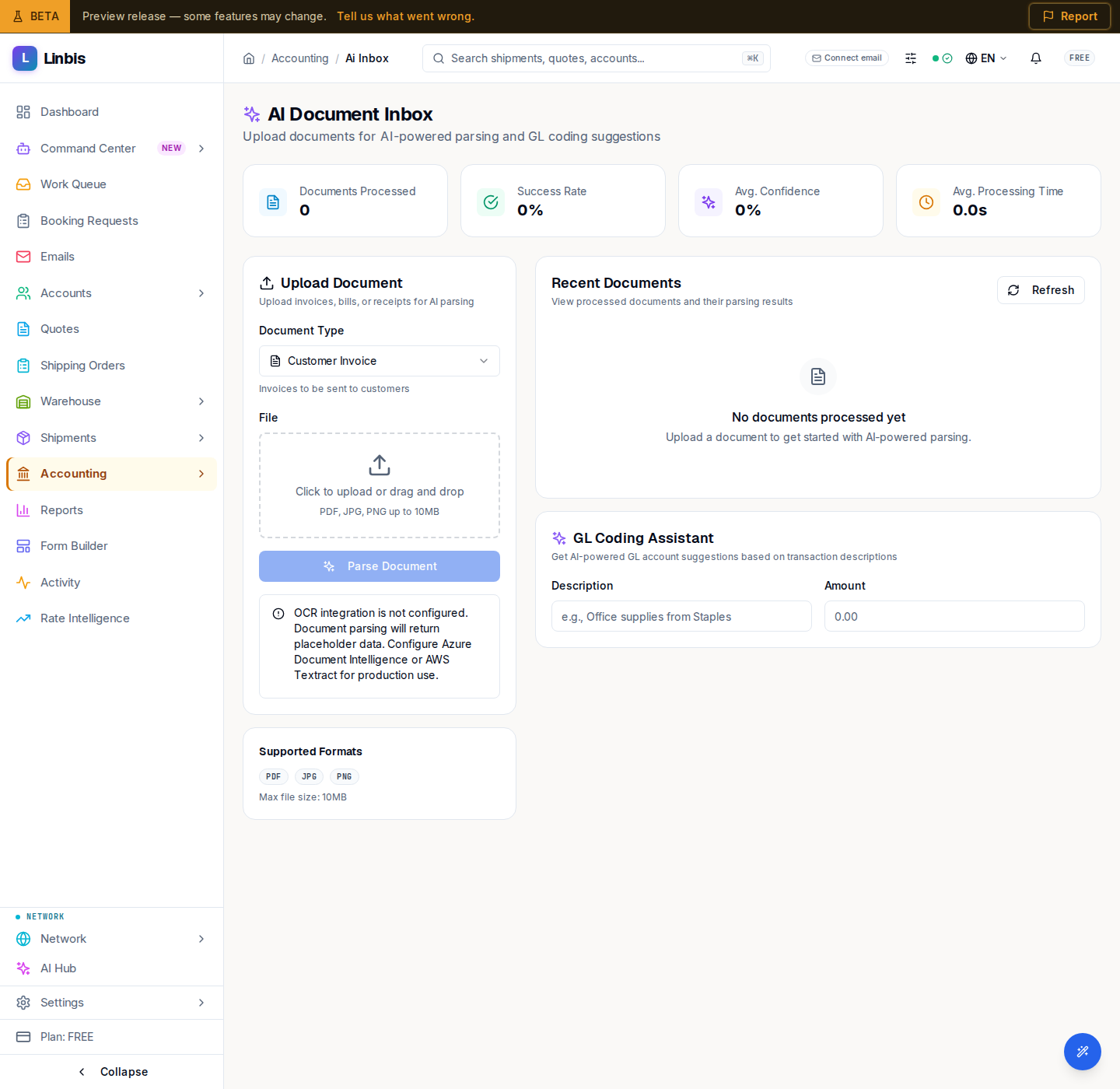
Upload Document
Pick a Document Type, then drop a file in the dropzone ("Click to upload or drag and drop", "PDF, JPG, PNG up to 10MB") and select Parse Document. A Supported Formats card lists the accepted types and the max file size. When OCR is not configured, an alert warns that parsing returns placeholder data until Azure Document Intelligence or AWS Textract is set up.
Recent Documents
The Recent Documents table ("View processed documents and their parsing results") has columns Document, Type, Status, Confidence, and Actions; Refresh reloads it. When empty it reads "No documents processed yet."
GL coding
Reviewing a parsed document, you confirm a Description and Amount and pick from Suggested Accounts — the AI flags its best pick as a High Confidence Match. Confirming posts the document into the ledger.